
Get Your Free Organization Account
Empower Your Emergency Response Team with PubSafe with Cloud Team Management
Who Can Register an Organization on PubSafe?
PubSafe is designed for organizations involved in public safety, disaster response, and community resilience, including:
- Government emergency services and response agencies
- NGOs and humanitarian organizations
- Community Emergency Response Teams (CERTs)
- Corporations
- Volunteer rescue and search teams
- Municipal and regional safety organizations
- Environmental, weather, and disaster monitoring groups
If your organization responds to incidents, supports communities during crises, or coordinates volunteers, PubSafe is built for you. Register your organization today!
Organization Registration
Step 1: Install the PubSafe App
All organization accounts are linked to a verified PubSafe app user.
- Install the PubSafe app
- Once logged into the mobile app, select the top left Settings menu, and then select App Upgrade, select Pro.
- The Pro version of the app is required to join an organization.
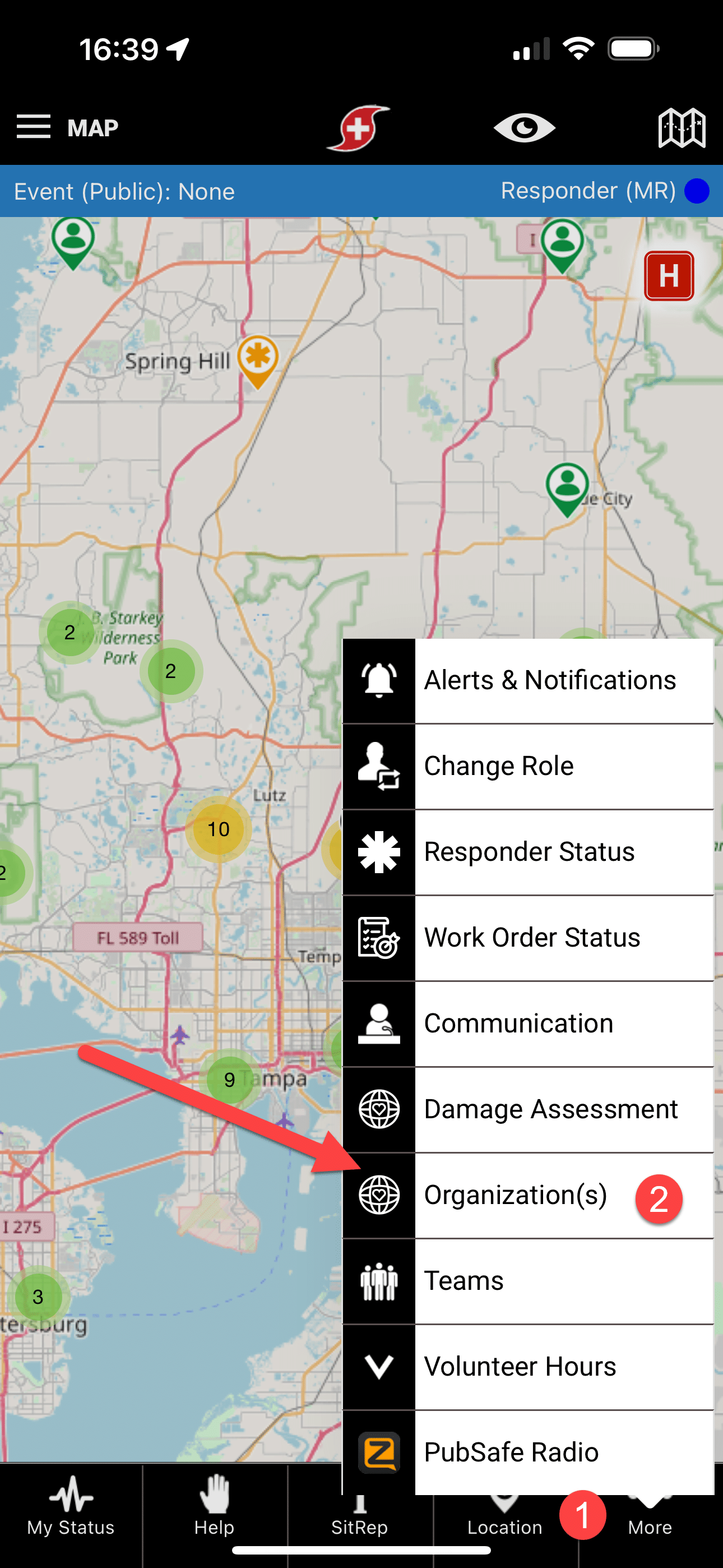
- In the app More menu (lower right) change your role to Responder for more features
- There is no contract or annual payment, cancel or suspend anytime through your app market after the free 2-week trial. The free app can be used without the portal.
Step 2: Enter Organization Details
- Complete the organization registration form below. The person completing the form will be the account owner.
- For future logins, click the red Login Button on the top right corner of this website and enter your PubSafe mobile app credentials.
Step 5: Invite Team Members
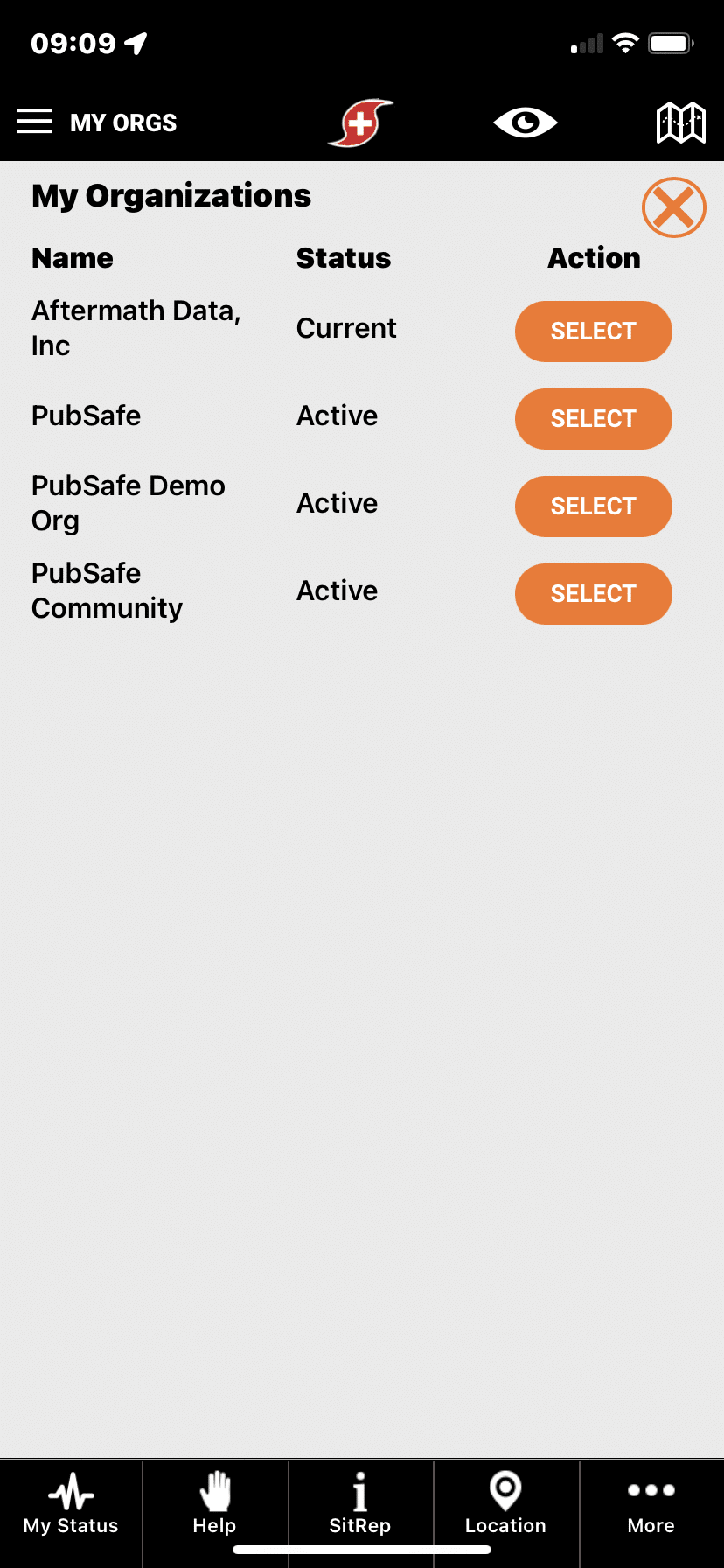
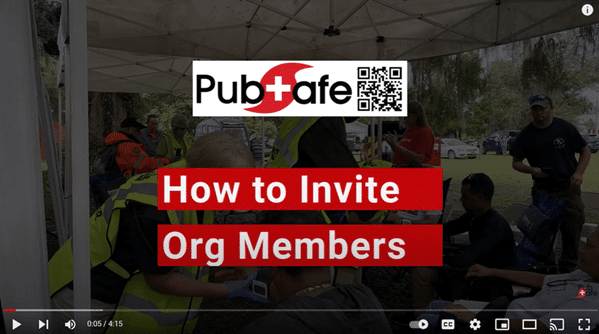
After logging into the portal, invite others to join your organization (see video) from the portal. Navigate to: Account>Members>Joins
-
Assign roles and permissions
-
Train key personnel on the portal and members on the app
What Happens After Registration?
Community response grows stronger as more organizations participate.
Why Register Your Organization on PubSafe?
Registering your organization unlocks powerful tools that help you respond faster and work more effectively:
✅ Real‑Time Incident Awareness
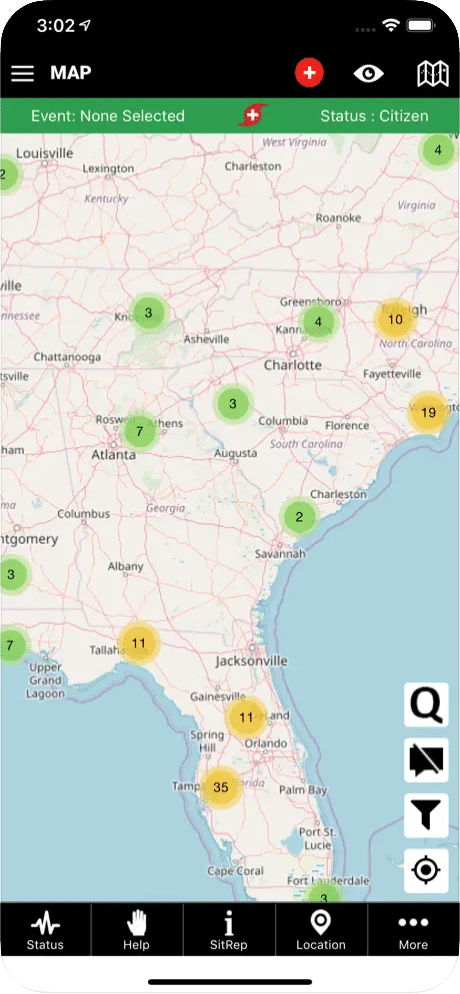
View and respond to live incidents reported by citizens and partner organizations on an interactive map.
✅ Team & Volunteer Coordination
Assign responders, manage teams, and coordinate actions directly within the platform.
✅ Secure Communication
Share updates, instructions, and situational intelligence with your organization and trusted partners.
✅ Community‑Driven Intelligence
Leverage verified citizen reports to gain early awareness before traditional channels activate.
✅ Complement Existing Systems
PubSafe does not replace your current dispatch or emergency systems — it enhances them with real‑time, community‑powered data.
Frequently Asked Questions (FAQ)
Is PubSafe free for organizations?
Yes. Organization registration on PubSafe is currently free.
Does PubSafe replace our existing systems?
No. PubSafe complements existing emergency, dispatch, and communication systems.
How long does organization approval take?
Approval times vary but typically range from a few hours to a few business days.
Can we register multiple teams or regions?
Yes. Organizations can manage multiple teams and operational areas within PubSafe.
Register Your Organization on PubSafe Today
Join a growing network of organizations improving emergency response through community‑driven intelligence and coordination.
👉 Register your organization today and help your team respond faster when it matters most.