
Reporting an Incident
Guide for citizen reporting
Reporting an Incident
Guide for citizen reporting
Be Ready When Duty Calls
PubSafe empowers citizens to play an active role in community safety and disaster response. This page explains exactly how to report an incident using the PubSafe app, helping ensure the right information reaches the right responders, fast.
Reporting incidents through PubSafe strengthens real-time situational awareness, supports coordinated emergency response, and complements existing public safety and emergency systems.
⚠️ Important: If you are in immediate danger, always contact local emergency services first. PubSafe does not replace emergency call centers, it enhances coordination and visibility.
When to Use PubSafe
Fires, smoke, or hazardous materials
Flooding, storms, and severe weather impacts
Traffic accidents, road hazards, or infrastructure damage
Power outages or utility failures
Medical emergencies or injured persons
Crime, suspicious activity, or public safety concerns
Community incidents affecting public safety
Missing persons or welfare concerns
How to Report an Incident in the PubSafe App
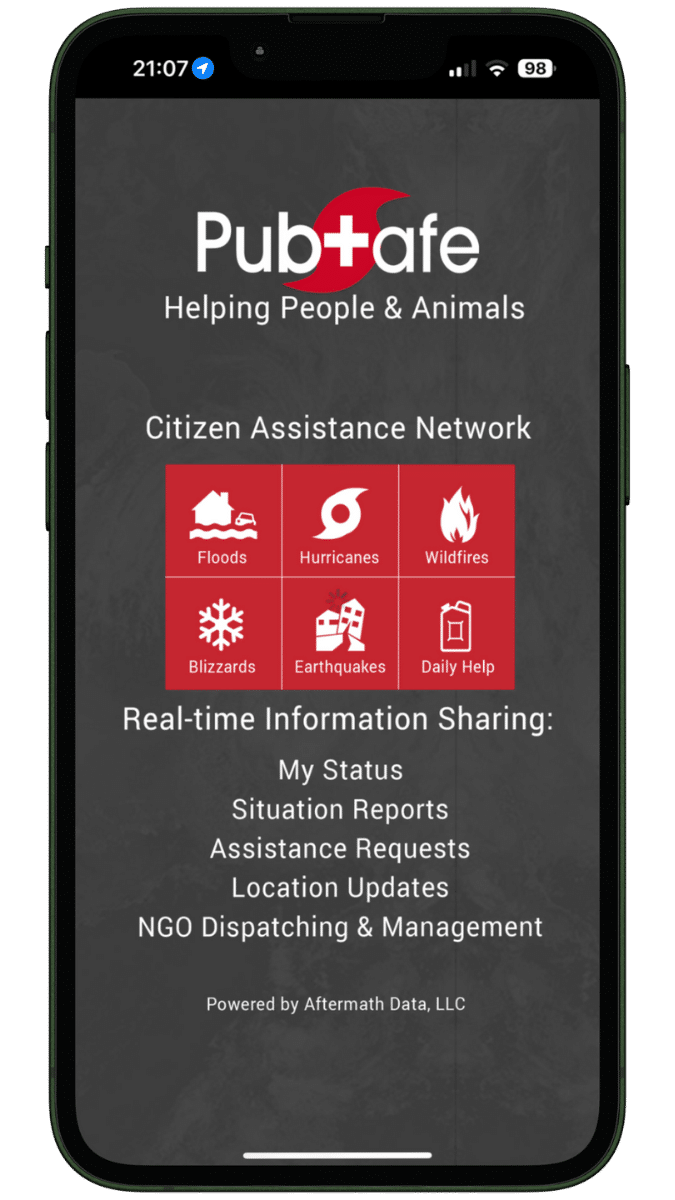
Step 1: Open the PubSafe App
- Tap the PubSafe app icon on your mobile device
- Log in or continue as a verified community user, depending on your access level
Step 2: Tap “Report an Incident”
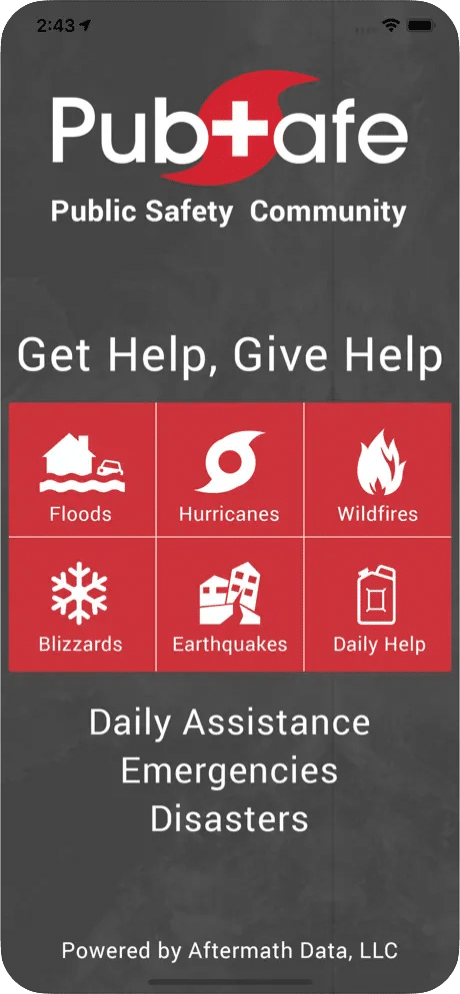
- From the home screen, select “Report Incident”
- This launches the guided incident reporting process
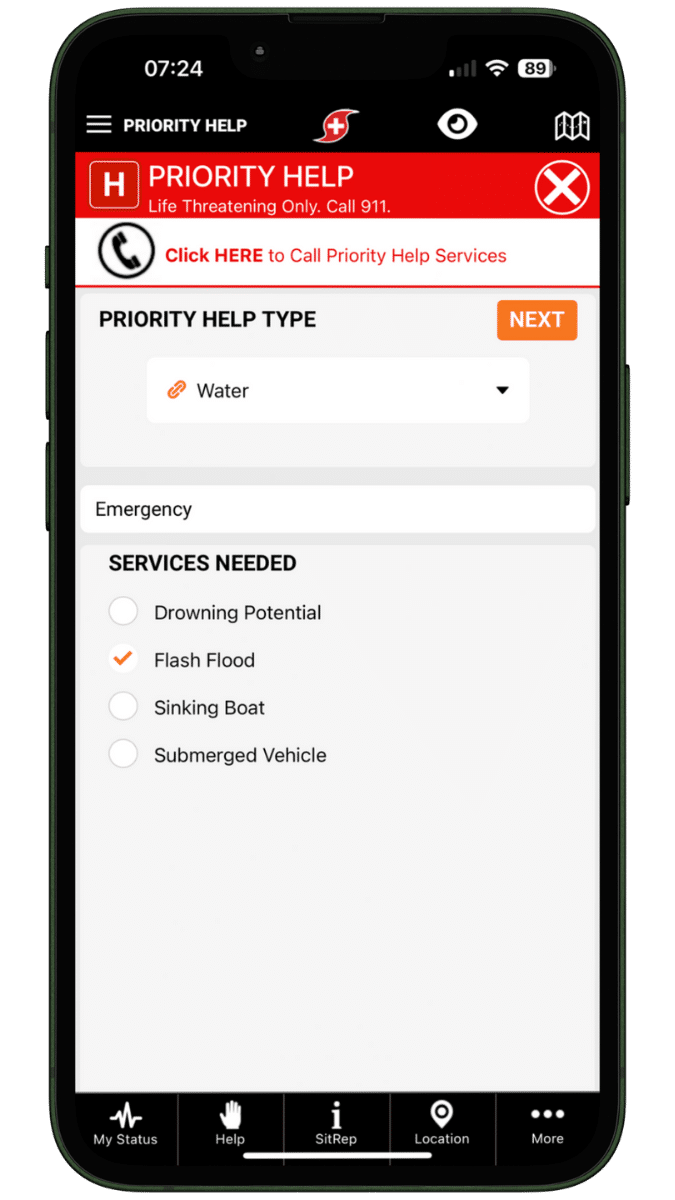
Step 3: Select the Incident Type
Choose the category that best matches the situation, such as:
-
Fire or smoke
-
Flooding or weather-related damage
-
Road accident or traffic hazard
-
Infrastructure or utility issue
-
Medical emergency
-
Crime or suspicious activity
-
Community safety concern
Selecting the correct incident type helps route your report to the appropriate agencies and response teams.
Step 4: Confirm the Location
-
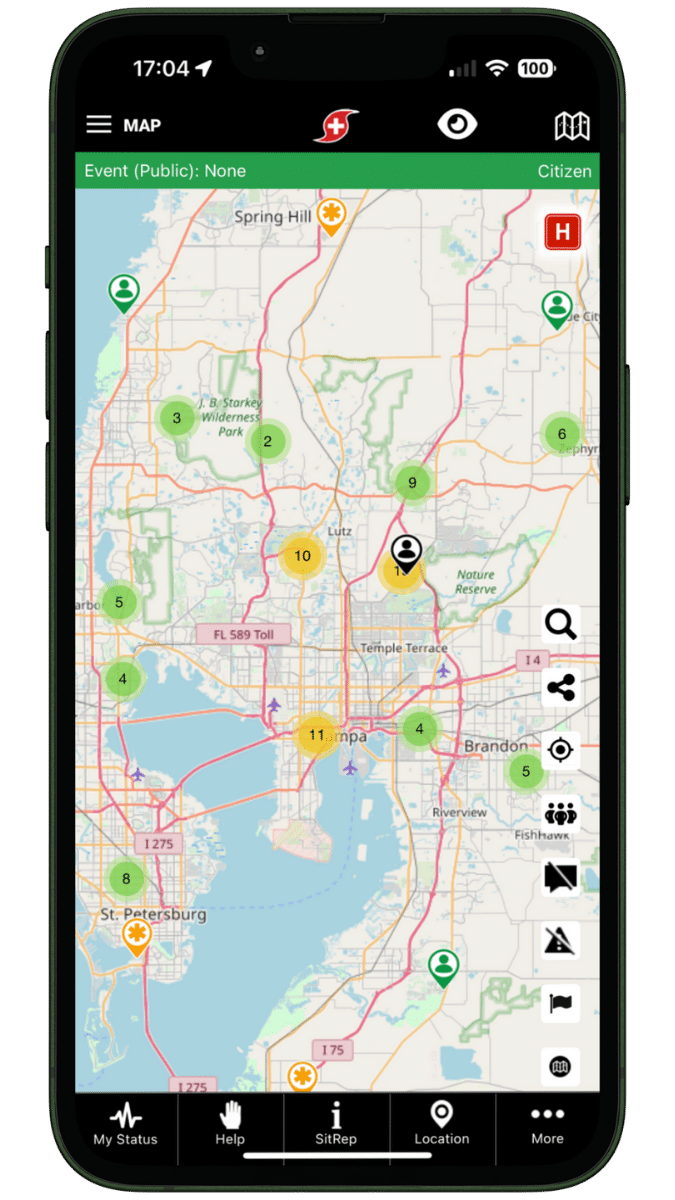
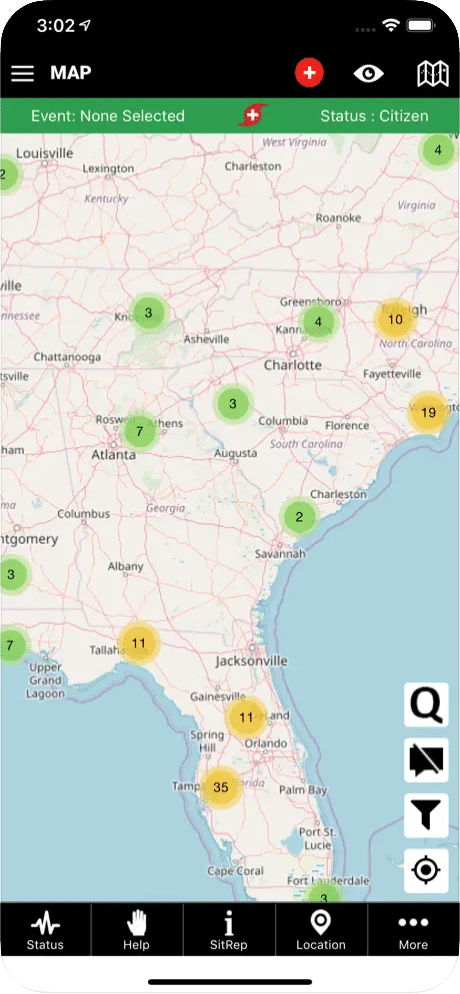
PubSafe automatically captures your GPS location
-
Review the map pin for accuracy
-
Adjust the location manually if the incident occurred nearby or at a different address
Accurate location data is critical for rapid response and effective coordination.
Step 5: Add Incident Details
Provide a clear description of what you observed, including:
-
What happened
-
When the incident started or was noticed
-
Whether the situation is ongoing or escalating
-
Any visible risks (blocked roads, spreading fire, injured people)
Plain, factual descriptions help responders assess severity quickly.
Step 6: Attach Photos or Videos (Optional)
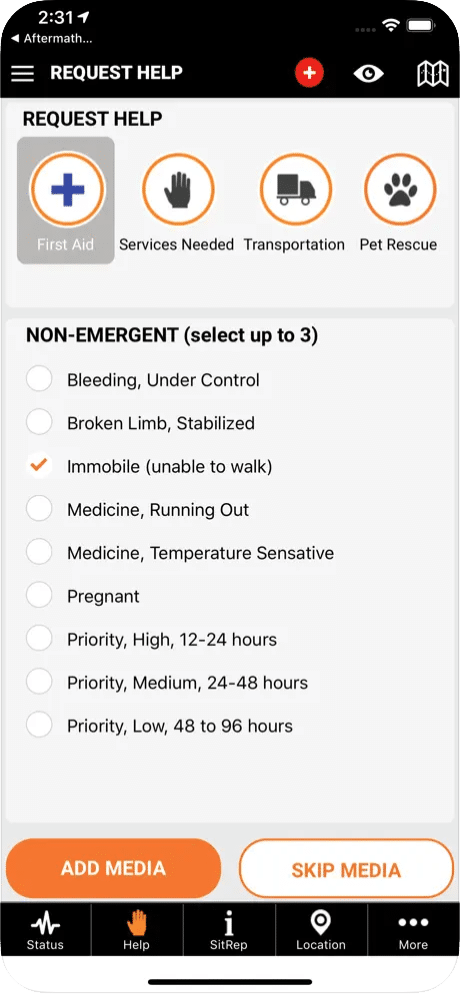
- Tap “Add Media” to upload photos or short videos
- Only capture images if it is safe to do so
Media helps responders validate conditions and prioritize resources.
Step 7: Submit the Incident Report
- Review all details for accuracy
- Tap “Submit Incident”
Your report is securely shared with authorized:
- Public safety agencies
- Emergency operations and coordination centers
- NGOs, CERTs, and community response teams
What Happens After You Submit
You can track the progress of your report directly in the app, including:
- Received – The report has been logged
- In Progress – Responders are assessing or acting
- Resolved – The incident has been addressed
Tips for Effective Incident Reporting
- Ensure your own safety before reporting
- Be accurate and objective
- Avoid duplicate reports if the incident is already visible in the app
- Use photos and videos only when safe
Every report helps build a clearer, shared operational picture.
Why Report Incidents with PubSafe?
Using PubSafe helps communities:
- Improve real-time emergency awareness
- Enable cross-agency coordination
- Support community-led disaster response
- Complement existing emergency and public safety systems
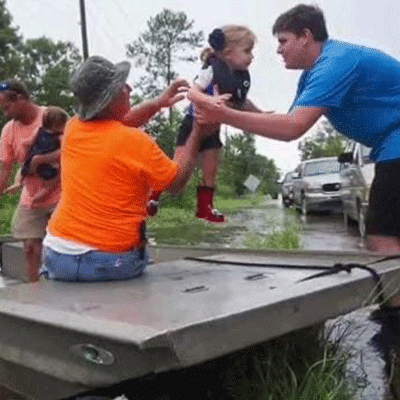
Citizens become active partners in building safer, more resilient communities.
Get Started with PubSafe
Whether you are a:
-
Citizen looking to contribute responsibly
-
NGO coordinating disaster response
-
CERT team supporting local resilience
-
Public safety agency seeking better community visibility
PubSafe supports your role.
Explore the platform, request organizational access, or download the app to see how community emergency response works when everyone is connected.