
Search Party Team Management
Joining forces to help others.
Thank you for reading this post, don't forget to install the free PubSafe mobile app and subscribe!
Connect and Communicate
PubSafe Pro app and Search Party app both provide unique capabilities to manage search parties and teams of all types. The core capabilities include GPS tracking of the users phone during a search and messaging to coordinate details, share safety information, and protect potential evidence.
PubSafe Pro is designed for a single organization with web portal access, to manage an organized search effort. It relies on members being the primary search team members who are familiar with the PubSafe Pro app.
The Search Party app is purpose built to connect people and organizations quickly and easily using the app for a limited period of time. A scenario might be several NGOs coming together to support operations post hurricane or multiple government agencies coming together to conduct a search for an escaped prisoner. This app can also be used for community events, event security, outdoor adventures, and church gatherings.




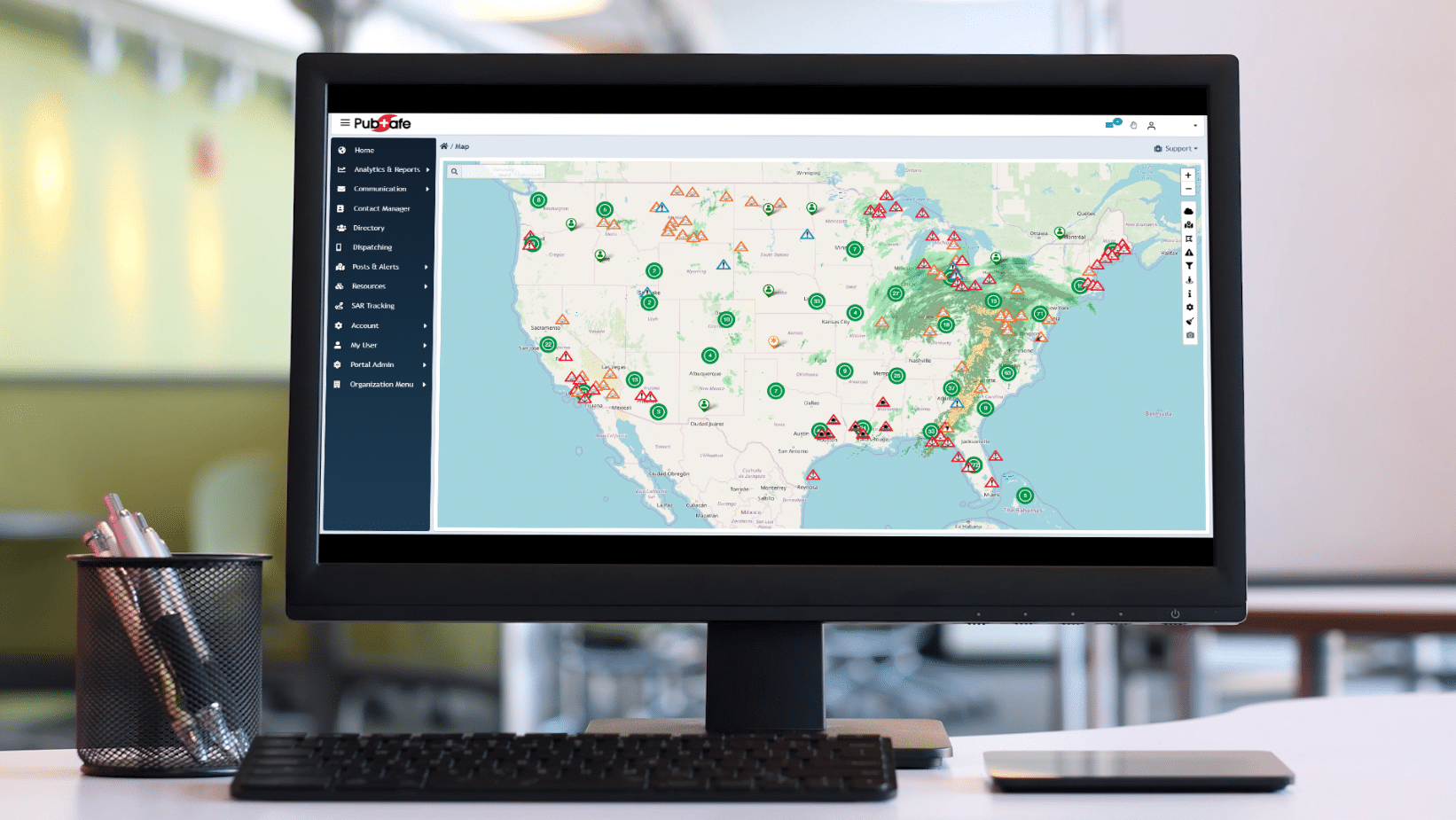


Search Party Team Manager
If you are working with volunteers and other organizations you do not normally work with, the Search Party app is the right platform.
Create a Search Party
Step 1. Launch the app and choose Create New Search Party.
Step 2. Fill in profile information.
Step 3. Fill in or skip the Mission Brief
Step 4. Set the Code Expiration time and share the Join Code by QR, copy and paste, etc.
Join a Search Party
Step 1. Launch the app and enter profile information.
Step 2. Enter the Join Code or scan the QR code.
Key Search Party Team Manager Features
- Easy. Tested by people over 80 years old with limited technology skills.
- Fast. Rapidly join hundreds of people to a single team because it is easy and purpose built.
- Informative. The Mission Brief communicates essential details to all team members.
- Tracking. Users can share their location with other team members for a limited period of time.
- Privacy. Search parties are limited in duration from 4 to 96 hours and then then automatically deactivated. Users can go “invisible” or leave a search party at any time without concern that their data will be shared. ALL data is deleted with a search party expires. You don’t get a copy and neither do we.