
Article data.
Disaster shifts do not leave time to rebuild missing volunteer records. Nonprofits need a reporting trail before donated hours can support funding requests after the response ends.
Request a PubSafe demo to streamline volunteer tracking and help prepare disaster grant reporting before the next response surge.
Grant reporting for disaster relief volunteer hours works best when a nonprofit records each volunteer’s identity, hours, work site, and completed task during operations. FEMA says documented donated resources may offset the non-federal share of eligible costs, and its record standard includes hours, sites, and work descriptions. The FEMA guidance on donated resources makes the reporting stakes clear for organizations using volunteer labor after disaster. Year-round coordination with PubSafe helps nonprofits keep consistent activity records before demand rises, instead of sorting paper logs after an event. It also gives coordinators one repeatable process for daily activity and emergency response. That cleaner record supports review, funding documentation, and follow-up with local officials or grant administrators responsible for validating eligible work.
The practical question is how to capture usable records without adding chaos to response work. The next section, Grant reporting for disaster relief volunteer hours starts before a disaster, explains why routine coordination sets the fields, habits, and accountability teams rely on when activity spikes. The path begins here.
Grant reporting for disaster relief volunteer hours starts before a disaster
PubSafe helps nonprofits establish routine coordination records that support grant reporting for disaster relief volunteer hours. Disaster work rarely begins with a clean desk and spare time. Volunteers arrive, needs shift, and coordinators must act fast. The aim of this guide is simple: help nonprofits make daily volunteer coordination useful when disaster grant reporting begins.
The record-keeping habit
A nonprofit should not wait for a declared disaster to decide how hours are logged. During routine events, teams can use the same fields, roles, and review process they will need during response. This is the practical value of managing volunteer hours for grant reporting: the habit exists before pressure rises.
Start with records that answer basic questions: who served, when they served, where they worked, and what task they completed. These are not extra details. FEMA states that donated resources may offset eligible non-federal costs when a local public official, or designee, documents them. FEMA also calls for hours, work site, and work description for each volunteer in its donated resources guidance.
From daily service to response
Routine work gives coordinators a safe time to spot gaps. A missing role name, unclear shift record, or loose task label can be fixed after a training session. The same gap is harder to repair after a long response shift, when many people have moved between sites or assignments.
Year-round coordination also helps people learn one process. Volunteers know how to check in and report their work. Coordinators know what to review before a record is closed. When an incident occurs, accurate volunteer hour reporting for disaster grants becomes part of response work, not a late records project.
Records that can support a report
A grant-ready habit is not the same as promising grant approval. It means keeping records that can be sorted, checked, and shared with the right grant or public officials. Nonprofits can set a short review cycle during ordinary operations, then apply that process to disaster-related tasks when needs change quickly.
Use routine shifts to settle simple rules. Choose who can correct entries, how task names are used, and when coordinators review hours. Keep disaster assignments separate from regular tasks once response starts. That separation helps a reviewer follow the work without rebuilding the record from memory.
The first step is not a new form after an event. It is a steady practice before an event: log volunteer service, describe the work, review entries, and keep records in one consistent system. That foundation lets program managers focus on serving the community while still protecting the details a later report may require.
What records count for grant reporting for disaster relief volunteer hours?
PubSafe gives nonprofit teams a practical way to connect a volunteer, a shift, and completed work before reporting deadlines arrive.
The minimum record for each volunteer
For grant reporting for disaster relief volunteer hours, a usable record connects a named volunteer to eligible work. Capture the volunteer’s name or unique ID, service date, start and end time, total hours, worksite, and task performed. This makes each entry easy to review and tie to the response effort.
For FEMA-related donated resource credit, documentation must record hours worked, the worksite, and the work description for each volunteer. FEMA also calls for matching details on equipment and materials. Review the applicable FEMA donated resources documentation requirements before building a reporting file.
Record the incident name and operational period with each shift or batch of shifts. That practice links work to the right response window. It also helps a manager sort regular volunteer activity from disaster relief service when both occur close together.
A practical capture checklist
A complete file is more than a sign-in sheet. It includes clear task notes and a review step by a supervisor or named reviewer. The reviewer should confirm that recorded work happened at the listed site and during the response period.
| Record element. | Why it matters. | Good capture practice. |
|---|---|---|
| Volunteer identity. | Links each shift to one person. | Use full name and a stable volunteer ID. |
| Date, time, and hours. | Shows when service occurred. | Capture start, end, breaks, and total hours. |
| Worksite and task. | Explains where and how help was provided. | Name the site and write a short task description. |
| Incident and operational period. | Connects service to the response window. | Tag each entry to an incident and period. |
| Supervisory review. | Supports a check before submission. | Log reviewer name, date, and approval status. |
| Labor, equipment, and materials. | Keeps donated resource types distinct. | Store each resource type in separate fields or logs. |
Records that hold up during review
Keep labor records separate from donated equipment and materials, even when all support the same field assignment. FEMA decisions address volunteer labor, donated equipment, and donated materials as distinct resources. Separation prevents a donated item from being mistaken for worked time.
Funder rules can differ, so match your fields to the award instructions and the incident’s documentation plan. Federal guidance notes that tracking worksheets may repeat for incidents with more than one operational period. The USFA disaster response cost workbook guidance gives a useful structure for that repeated capture.
Collect records while work is underway, not after staff are rebuilding events from memory. A mobile workflow for tracking disaster relief volunteer hours can help managers save shift details and review them before reporting deadlines.
A practical workflow from volunteer intake to grant report
PubSafe supports a repeatable workflow for grant reporting for disaster relief volunteer hours when the record begins before the first shift. Set clear fields, train team leads, and keep one review path. That routine supports operations now and gives staff cleaner records later.
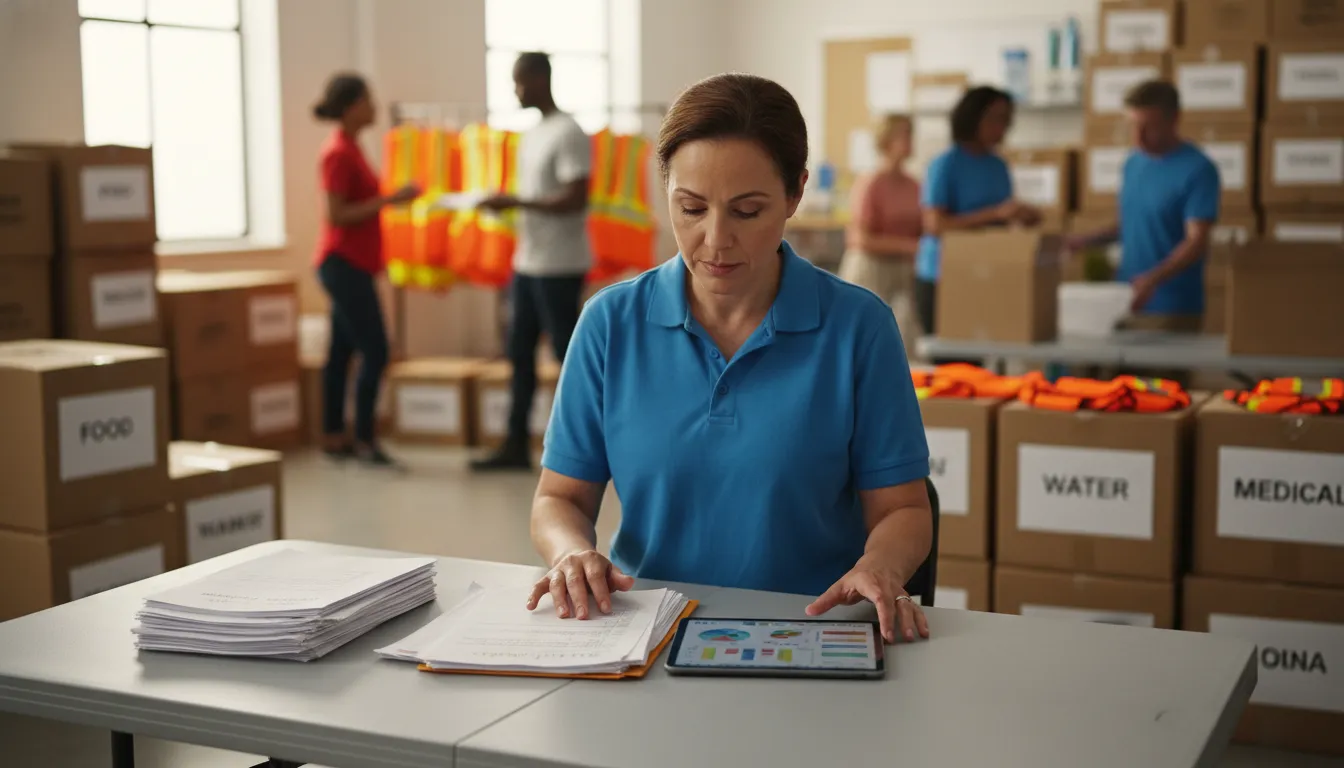
Talk to PubSafe about keeping volunteer hours and assignments organized across daily operations and disaster response.
Set the record before deployment
Start with a simple activity map: intake, shelter support, debris work, supply delivery, wellness checks, and other approved roles. Match each category to a site and an operational period. This helps coordinators separate volunteer labor from equipment or donated materials.
Before deployment, test the form with a short practice shift. Check whether a team lead can tell where work happened and what was done. If labels cause doubt, fix them now. Clear labels reduce cleanup during a busy response.
- Define task categories, work sites, shift periods, and the staff member who reviews each record.
- Register each volunteer and assign a role before deployment, including spontaneous volunteers who join during response.
- Check volunteers in at the site and confirm the task category at the start of the shift.
- Log time, location, and work performed while details are fresh, then check the volunteer out.
- Review records by operational period, correct gaps, and keep notes on changes and approvals.
- Aggregate approved hours by site and work type, then export records for the grant reporting file.
This structure reflects the details FEMA looks for in donated resource records. Its guidance says documentation must include hours worked, the work site, and work descriptions for each volunteer. Read the FEMA donated resources guidance before setting local review rules.
Capture work during the response
A coordinator should not have to rebuild a shift from memory after an incident. Mobile check-in and shift records can capture the same core fields during the work. Teams reviewing how PubSafe works can map those fields to their own forms and approval process.
Use one naming pattern for sites, tasks, and dates. Ask a team lead to review missing end times, mixed task types, or unclear site names each day. For a long response, close each operational period before opening the next one.
Prepare a reviewable export
Before an export, run a record check. Confirm that each approved entry identifies the volunteer, date, hours, work site, and task description. Keep volunteer labor separate from donated supplies and equipment, since those items may need different support records.
Keep the approval trail easy to follow. A corrected shift should show what changed, who reviewed it, and when the edit occurred. Save reports in a shared folder with a consistent file name. This gives staff one record set to review.
Then group hours in the format requested by the funder or local emergency management partner. PubSafe can support tracking and aggregation, but it does not decide whether work is eligible. Eligibility and documentation approval remain with the applicable grant program and designated reviewers.
A stored export is easier to review when it follows the same categories used at intake. For related setup choices, see guidance on managing volunteer hours for grant reporting. Keep source logs and review notes with the reporting file.
Where volunteer hour records break down during disasters
PubSafe helps coordinators reduce reporting gaps by keeping volunteer assignments and response activity connected in one operational record.
Paper records lose the story of the work
A paper sign-in sheet may capture a name and arrival time, but still leave critical gaps. For FEMA donated-resource documentation, records must include hours worked, the work site, and a description of each volunteer’s work. These items support credit for documented donated resources.
During response, a crowded table, wet forms, and rushed shift changes make gaps more likely. A volunteer may sign in twice, skip a sign-out, or describe a task as simply “helped.” Later. A coordinator cannot easily tell whether the entry shows cleanup, distribution, shelter support, or unrelated time.
Surges create gaps in control
Spontaneous volunteers often arrive when staff are already handling urgent needs. If intake is informal, records can break at once: duplicate names, unclear assignments, missing locations, and no approval from a lead. The work may matter to the community, yet its record may not meet a funder’s definition.
This is why tracking disaster relief volunteer hours needs a simple intake path before a surge. Assign each volunteer to a task and site. Record start and end times, then name the person who checks the shift. Use the same fields for trained teams and walk-in help.
- Paper sheets can be incomplete, damaged, or split between sites.
- Vague task labels make it hard to match time to eligible work.
- Duplicate entries can overstate a shift or force hours to be removed.
- Missing sign-off leaves staff unable to confirm who approved the record.
Late cleanup is not enough
Rebuilding the record after the event invites guesswork. Staff may rely on memory, text messages, or separate spreadsheets. By then, it is harder to confirm where a volunteer served or which activity a grant covers. A clean total is not enough when the source record lacks detail.
Build the reporting habit during routine training, not after landfall or a local emergency. Test intake fields, task labels, site codes, and supervisor review in regular volunteer activities. The United States Fire Administration offers workbooks for tracking disaster response and recovery costs. These can guide a practical review process.
After each drill or response period, review missing times, repeated names, unapproved hours, and tasks outside the funding rules. Fix the cause before the next activation. This routine turns grant reporting for disaster relief volunteer hours into a daily practice, not a post-disaster scramble.
Can volunteer hours support in-kind match or cost-share records?
PubSafe supports accurate operational record keeping, while each awarding authority determines whether donated volunteer time can count.
When donated time may count
Volunteer hours may support in-kind match or cost-share records in some disaster funding programs. Recorded time alone does not create a credit. For FEMA Public Assistance, donated resources can offset the non-federal share of eligible costs when the required records are in place. FEMA states that those resources must be documented by a local public official, or a person that official designates. Review the FEMA donated resources guidance before treating volunteer work as eligible support.
This distinction matters for nonprofits and CERT teams. Volunteers may complete urgent, useful work, while a funding program applies narrower rules to eligible work and cost share. Grant reporting for disaster relief volunteer hours should start with grant terms, incident rules, and direction from the responsible official. It should not begin with an assumed dollar value for every donated hour.
Records that support a review
A useful record connects each volunteer to work done during the incident. FEMA guidance calls for a record of hours worked, the work site, and a description of each volunteer’s work. Keep these fields with the volunteer’s identity, date, assignment, and approval trail when your program requires them. That makes later review easier and keeps donated labor separate from donated equipment or materials.
- Record the volunteer’s name, date, and hours for each operational period.
- Capture the location and a plain description of the eligible work performed.
- Identify who reviewed the entry and who the public official designated to document it.
- Store labor records apart from equipment and material donation records.
A repeatable log is easier to check than scattered paper notes after an emergency. Organizations that are tracking disaster relief volunteer hours can set required fields before volunteers deploy. Staff can then correct missing details while assignments are still clear, rather than rebuilding records long after the work ends.
Use program rules, not assumptions
Cost-share treatment is a program decision, not a promise that every logged hour will qualify. A grant administrator or designated official may need to confirm whether the work, record format, and authorization meet that program’s rules. If the award uses another agency or funding stream, follow its guidance rather than applying FEMA terms by default.
Build a clear audit trail, then submit records through the process named in the award or incident guidance. The U.S. Fire Administration notes that its response cost worksheets help capture costs, but do not replace existing cost recovery documentation processes. Its disaster response cost workbook guidance reinforces the practical point: use consistent records, and confirm what the program accepts.
How can PubSafe simplify grant reporting for disaster relief volunteer hours?
PubSafe supports year-round volunteer coordination so nonprofits can build reliable reporting habits before an emergency increases the workload.
Records that start before an emergency
Grant reporting for disaster relief volunteer hours is easier when record habits already exist. Routine coordination gives staff and volunteers a familiar way to record time before an emergency raises the pace. A year-round process also helps a coordinator find gaps while there is time to correct them.
This matters because emergency shifts can involve many people, locations, and types of work. FEMA states that documentation must show each volunteer’s hours, work site, and description of work. Its donated resources guidance shows why complete records matter when an organization seeks eligible credit.
One workflow for routine and response work
PubSafe supports year-round volunteer coordination for organizations that serve their communities in routine periods and during emergencies. A shared process can limit the need to rebuild volunteer records when an event begins. The organization’s reporting team still decides what records its grant program requires.
The disaster response platform helps teams coordinate response activity in the same operating environment used for ongoing readiness. That continuity gives program managers a clearer starting point for review. It does not replace grant rules, approval steps, or required supporting records.
That shared workflow can also make staff training more useful. A volunteer who already knows how to log routine service has fewer new steps during response. Coordinators can then review entries sooner and ask for missing detail while the activity is still fresh.
Automated hours as a reporting input
PubSafe can track volunteer hours automatically, giving coordinators a record to review as reports are prepared. This can reduce the work of gathering time entries from scattered sheets after a response. Staff still need to check that entries align with assignments, sites, and the work performed.
For NGOs, the useful shift is from recreating a timeline later to reviewing activity as it develops. PubSafe’s support for NGOs connects year-round coordination with volunteer management needs. This approach keeps reporting needs visible during readiness work and response operations.
A practical workflow is simple: use one volunteer coordination process throughout the year. Track hours as activity occurs, then review records against each grant’s requirements. During a disaster, that routine can help teams focus on missing details instead of starting from empty files. It supports orderly reporting without promising eligibility, reimbursement, or compliance.
A grant-ready volunteer hour checklist for nonprofits
PubSafe helps nonprofits keep grant reporting for disaster relief volunteer hours organized when the process is ready before deployment. Name one records lead before an incident, then give team leaders the same forms, field definitions, and review routine.
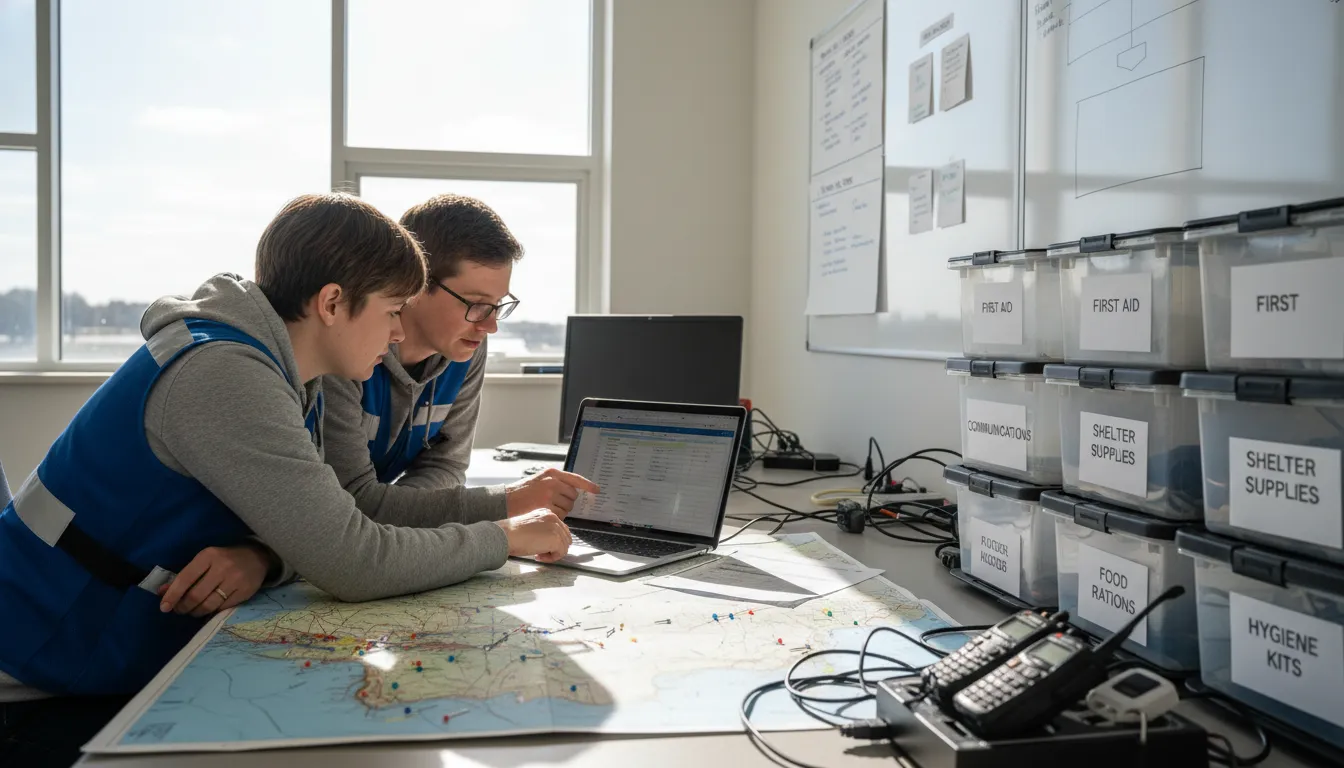
Governance before activation
Start with the award terms, not a generic template. Each grant program can define eligible work, approval roles, match rules, and storage needs in a different way. Build a short checklist for each active award and have a program lead approve it.
- Name the records owner, backup reviewer, and authorized approver.
- List eligible volunteer roles, tasks, locations, and operational periods.
- Set rules for corrections, signatures, exports, and secure file access.
- Train field leads before an exercise or disaster response begins.
For FEMA-funded work, donated resources may offset eligible non-federal costs when proper documentation is provided. A local public official, or a designated person, documents them. FEMA also requires hours, work site, and work description for each volunteer in its donated resources documentation guidance.
Field capture and reconciliation
Make complete field records the normal routine. A paper sign-in sheet, mobile entry, or other log should connect each person to a date, shift, site, task, and supervisor. Add notes for donated equipment or materials in separate fields, so those items do not get mixed with labor.
- Capture volunteer identity, contact detail, check-in, and check-out times.
- Record the work performed and the location where it occurred.
- Collect supervisor review while details are still clear.
- Reconcile daily totals against schedules, deployment lists, and duplicate entries.
- Resolve missing times or unclear tasks with a dated correction note.
During a surge, consistent capture can prevent a backlog of unverified sheets. Teams planning their workflow can review approaches to tracking disaster relief volunteer hours before volunteers arrive.
Retention and award review
Keep an organized record set for each incident and funding source. Store the original logs, corrections, approvals, hour summaries, task descriptions, and export files together. Use clear file names and limit editing rights, so reviewers can trace totals back to field records.
- Match every summary total to its source entries before submission.
- Check that tasks and dates fit the grant program being reported.
- Separate hours offered as cost share from hours reported only as service impact.
- Apply the award’s retention period and access rules to the final record set.
- Review the packet after each incident, then update training and forms.
Not every hour will be used for cost share. Clean, approved records still show service reach, staffing needs, and response capacity for boards, funders, partners, and future planning.
Frequently Asked Questions
Can volunteer hours be used as in-kind match for disaster relief grants?
Volunteer hours can qualify as donated resources toward the non-federal share of eligible FEMA-funded recovery costs. Eligibility depends on the work, the grant rules, and clear documentation. The FEMA donated resources guidance says a local public official, or a designated person, must document eligible donated resources. Confirm the applicable program rules before calculating any match credit.
What documentation is required to report volunteer hours for FEMA reimbursement?
For each volunteer, record the hours worked, work site, and a clear description of the work performed. Keep identifying information, dates, approvals, and supporting sign-in or digital check-in records together for review. According to FEMA guidance on donated resources, these details are needed to substantiate volunteer labor. Separate volunteer labor from donated equipment and materials in your records.
What counts as a volunteer hour for disaster relief reporting?
A reportable volunteer hour is time spent performing documented disaster-related work that is eligible under the applicable grant program. Examples may include approved response or recovery assignments, rather than unassigned availability or undocumented activity. Record the task, location, date, and time for each person. Because eligibility varies by program, review the award terms and coordinate with the local official responsible for documentation.
How do I calculate the economic value of volunteer hours for grant reporting?
Start with verified hours for eligible tasks, then apply the labor valuation method allowed by the specific grant program. Do not choose a rate based only on a general volunteer value estimate. Keep the source for each rate, role classification, calculation, and approval with the underlying hour records. For FEMA-funded cost-share credits, FEMA guidance makes proper documentation central to whether donated resources qualify.
Ready to simplify disaster relief hour reporting?
PubSafe helps nonprofits prepare clearer volunteer coordination records before grant reports are due. Delaying a consistent process for volunteer hours can leave nonprofit staff assembling records under pressure when grant reports are due. Starting now helps your team build steady year-round coordination habits before an emergency creates more volunteers, more activity, and less available time. With hours captured through ongoing operations, your organization can approach future reporting with organized service data instead of rushed reconstruction work.
Ready to request a clearer path for volunteer hour reporting and response coordination? Begin before your next reporting deadline or response surge demands attention from your team. Contact PubSafe now to prepare before reporting needs intensify. Request a PubSafe demo to discuss year-round volunteer coordination that supports cleaner disaster relief grant reporting.


