
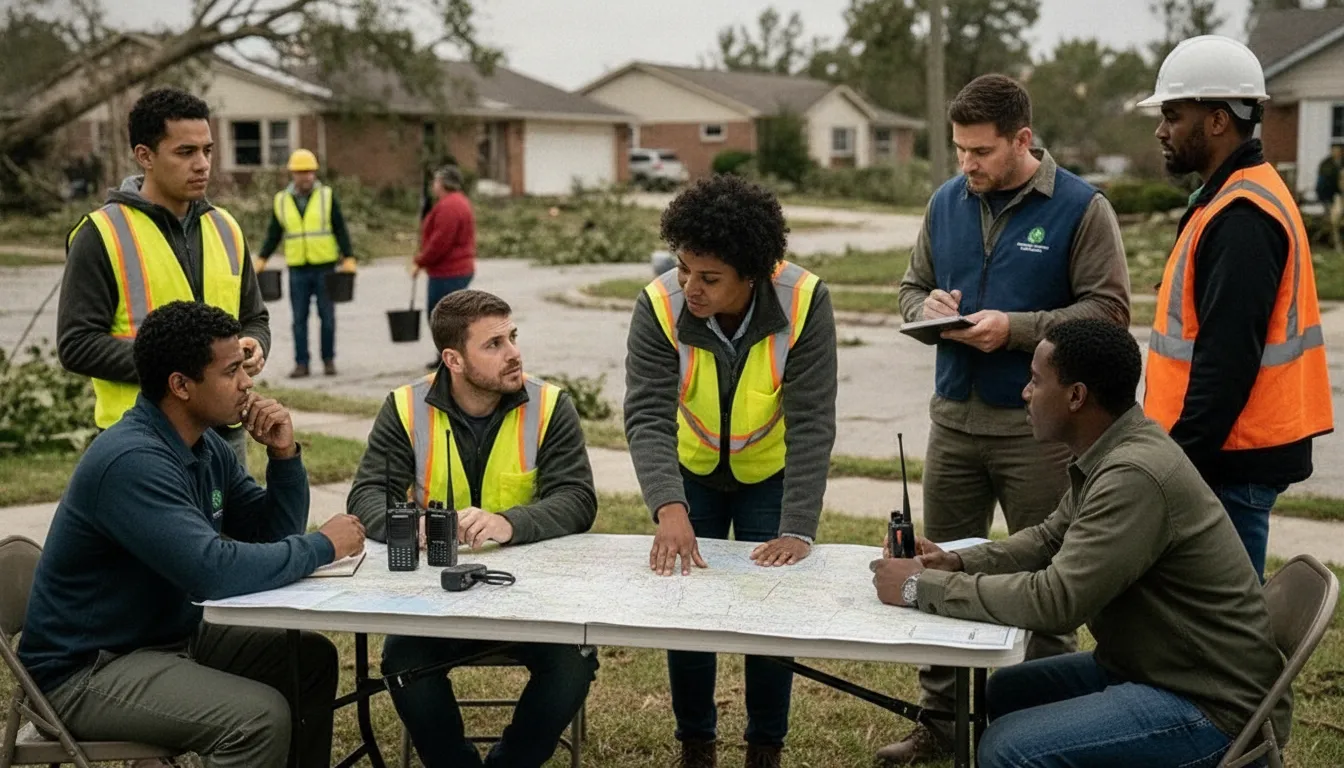
During a community emergency, a request can arrive by phone, text, email, radio, or a volunteer reporting from the field. Without one dependable workflow, teams can lose the original details, duplicate efforts, or struggle to show who owns the next action.
The goal is not to add another disconnected dashboard. It is to create reliable handoffs while conditions change, even when staff and volunteers are coordinating across different locations. The first step is understanding what this type of software should track and how it supports the full request lifecycle.
What Is Emergency Resource Request Tracking Software?
Emergency resource request tracking software turns an incident-related need into an accountable work item. It records what is needed, where it is needed, who owns the next action, how the request changes, and whether the team fulfilled, transferred, or closed it.
Emergency resource request tracking software is a system for turning a need reported during an incident into an accountable, trackable work item. Instead of leaving requests across phone calls, inboxes, radio traffic, and group messages, it gives each request a record that responders can review, assign, update, and close.
In practical terms, a request record should capture what is needed, where it is needed, who submitted it, and how urgent it is. It should also show who owns the next action and what happened afterward. The details will vary by organization. A community responder may request transportation, supplies, a welfare check, or additional volunteers. A CERT coordinator may need to route a task to an available team member. The important point is that the request remains visible as it moves through the response process.
That process usually follows a straightforward lifecycle:
- Intake: A person or team submits the need through an agreed channel.
- Validation: A coordinator confirms the location, details, urgency, and whether the request is a duplicate.
- Classification and prioritization: The request is categorized and evaluated against current response priorities.
- Assignment: An owner, team, or available resource receives responsibility for the next step.
- Status updates: Coordinators can see whether the request is new, assigned, in progress, delayed, or awaiting information.
- Closure: The team records the outcome, including whether the need was fulfilled, transferred, or could not be completed.
This lifecycle matters because emergency management is not limited to the first alert. Response programs commonly manage work across mitigation, preparedness, response, and recovery, with information and actions continuing through the incident lifecycle as described in emergency-management guidance.
How Does a Request Record Differ From Other Response Information?
A general alert communicates a condition to a group. An inventory list shows what assets may be available. A one-off message can notify someone of a need. None of those, by itself, establishes a complete chain of ownership and resolution. A request record connects the need to the people, decisions, updates, and outcome required to act on it.
PubSafe provides cloud-based software and mobile applications for real-time coordination among public safety organizations, NGOs, CERT teams, and citizens. Its role is broader than broadcasting alerts: it helps connect incident reporting, volunteer coordination, and situational awareness in a shared response model. To see how that coordination model works, review How PubSafe Works.
How Emergency Resource Request Tracking Software Improves Community Response
Emergency resource request tracking software improves community response by giving coordinators one view of incoming needs, priorities, owners, and status. It helps small NGOs and CERT teams replace scattered messages with accountable handoffs, reduce duplicate effort, and preserve the context needed to make decisions as conditions change.
Small NGOs, CERTs, and community response groups often receive requests through several channels at once: phone calls, text messages, email, social media, and conversations in the field. The problem is not simply volume. It is the risk that each request becomes an isolated message with no shared record, clear priority, or named owner. A request tracking process turns those disconnected reports into work the team can coordinate.
Fragmented intake creates preventable uncertainty. A resident may ask for transportation, a volunteer may report a supply need, and a partner organization may request personnel. If those requests stay in separate inboxes or informal message threads, coordinators cannot reliably see whether they describe the same need, whether someone has accepted responsibility, or whether the situation has changed. A structured record preserves the essential details and gives the team one place to update them.
How Can Priorities Use a Shared Basis?
Not every request can be handled at the same time. Coordinators need to compare urgency, location, available capacity, safety concerns, and the consequences of delay. Request tracking does not replace human judgment. It gives that judgment a consistent set of facts. DHS SAVER places incident management software within the Information Technology category of its Authorized Equipment List, reflecting the role these systems play in organized emergency operations. Review the DHS SAVER incident management software listing for that classification.
Can Ownership and Status Prevent Requests From Disappearing?
Every active request should show who is responsible for the next action, what stage it is in, and what information is still missing. Useful statuses might distinguish new, validated, assigned, in progress, waiting, fulfilled, and closed. The exact labels can vary by organization. The important point is that a coordinator should not have to ask several people for a verbal update before knowing what happens next.
Shared visibility also supports better handoffs. A volunteer who joins midway through a shift can understand the current workload without reconstructing the response from scattered messages. Research describing the EmergInsight system likewise identifies real-time dashboards, data visualization, and analytics as tools for optimizing emergency care delivery during crises. Read the academic discussion of real-time emergency dashboards.
Finally, a completed request history gives the organization a defensible account of decisions and actions. That record can support after-action review, reveal recurring gaps, and help leaders improve preparedness before the next incident. For a small team, that is not bureaucracy. It is a practical way to preserve context when people, time, and information are limited.
How Do You Build a Reliable Request Workflow?
A reliable request workflow makes every need visible from first contact through resolution. It gives volunteers simple intake steps and gives coordinators enough detail to validate, prioritize, assign, update, and close each request as an incident changes.
A reliable workflow makes every request visible from first contact through resolution. It should be simple enough for a volunteer working from a phone, yet specific enough for a coordinator to make sound decisions during a changing incident. Treat the process as a lifecycle rather than a single form. Emergency management commonly spans mitigation, preparedness, response, and recovery, so the same request record may need to remain useful as conditions change. This lifecycle framing is a useful model for designing your own process.
- Capture the request. Record the essentials at intake: the requester’s name and contact method, location, time received, incident or situation, and resource or service needed. Add the quantity or scope, stated urgency, and any immediate safety concern. If details are unknown, mark them as unknown instead of guessing. Give the request a clear reference name so people can discuss it without relying on memory.
- Validate the details. Check whether the request is current, within your team’s area of responsibility, and specific enough to act on. Ask: What is needed, where is it needed, who will receive it, and by when? Confirm duplicate submissions, contact information, access constraints, and whether the need has already been met through another channel. Validation should improve the record without creating unnecessary delay for an urgent safety issue.
- Classify the request. Apply consistent categories that help the team route work. Examples might include transportation, welfare check, communications support, supplies, volunteers, or information. Also record the incident context and whether the request is public-facing, partner-facing, or internal. Keep categories understandable to the people entering and reviewing requests. A short explanation field can preserve nuance that a category cannot.
- Prioritize using decision questions. Ask whether there is an immediate threat to life or safety, whether vulnerable people are affected, whether the need is time-sensitive, and whether delay could create additional harm. Consider dependencies, such as a request that must be resolved before another team can act. Document the reason for the priority so a coordinator can reassess it when new information arrives. Do not treat priority as permanent; conditions and available resources can change.
- Assign clear ownership. Name the person, team, or partner responsible for the next action. Include the action expected, relevant location or contact details, and any handoff information. A request should never be considered assigned merely because it appears on a shared board. The owner needs a way to acknowledge the handoff, update progress, and flag a constraint or escalation. If another group accepts the work, record that transfer in the same request history.
- Close the request and learn from it. Before closing, confirm what action occurred, when it occurred, who confirmed the outcome, and whether the requester still needs help. Use a clear status such as resolved, referred, unable to fulfill, or duplicate, with a brief explanation. Review closed requests after the incident to identify recurring needs, unclear intake fields, missed handoffs, and resources that were difficult to locate. Those observations should inform the next preparedness cycle.
How Is Request Tracking Different From Inventory or Shelter Management?
Request tracking follows a need from intake to resolution, inventory management follows available assets, and shelter management follows people and services at a site. These systems can work together, but each should retain its own record, owner, and operational purpose.
These systems often work together during an incident, but they answer different operational questions. Confusing them can leave a request marked complete simply because an item exists in storage. Or cause a shelter team to manage needs without a clear owner or response deadline.
| System | Core question | Primary record | Primary owner | Main output |
|---|---|---|---|---|
| Request tracking | Who needs what, where, and by when? | Request, priority, status, assignment, and resolution history | Request coordinator, dispatcher, or incident lead | Accountable handoff from intake through closure |
| Inventory and resource management | What assets or supplies are available, and where are they? | Quantity, condition, location, custodian, and deployment status | Logistics or resource manager | Availability and deployment decisions |
| Shelter management | Who is staying at a shelter, and what support do they need? | Site capacity, resident or household information, services, and care needs | Shelter manager and support teams | Safe occupancy, services, and resident support |
A request may depend on inventory, but the two records should remain distinct. For example, a CERT team might submit a request for portable radios at a specific location. The resource manager can confirm whether radios are available, while the request coordinator still needs to assign delivery, monitor progress, and record the handoff. A shelter may be the destination, but shelter management remains responsible for people and services at that site.
This distinction also helps teams choose purpose-built tools. California’s Fire Asset Status Tracker, or FAST, is an example of specialized operational tracking for fire assets, not a universal replacement for request or shelter workflows. Teams can connect such systems to a broader coordination process while preserving each system’s source of truth. A related volunteer management software workflow can then help identify who is qualified and available for the assignment.
What Should Nonprofits Look For in Emergency Resource Request Tracking Software?
The best emergency resource request tracking software combines structured intake, clear ownership, status history, mobile access, location context, and useful reporting. For nonprofits and CERT teams, each feature should make it easier to move a request from a verified need to a documented outcome without adding another disconnected channel.
The right system should make each request easier to understand, assign, and follow through on. A nonprofit or CERT team does not need a long feature list for its own sake. It needs a dependable record of what was requested, who owns the next action, what has changed, and whether the need was resolved.
What Do Structured Intake and Clear Ownership Require?
Start with an intake form that captures the details a coordinator will need later: the requester’s contact information, location, type of assistance, urgency, affected people, relevant deadlines, and supporting context. Required fields and consistent categories reduce incomplete submissions and make requests easier to sort. The system should also support assignment to a person, team, or mission, with a visible owner and due status.
Assignment is only useful when the record preserves its history. Look for a timeline that shows when a request was received, acknowledged, reassigned, updated, and closed. That history creates accountability without forcing volunteers to reconstruct events from text messages, spreadsheets, and inboxes. It also makes handoffs safer when shifts change or an incident lasts for several days.
Why Do Mobile Access, Location, and Context Matter?
Volunteer responders may be away from a desk, working with intermittent connectivity, or moving between sites. Mobile access should let authorized users review requests, update status, add notes, and communicate without duplicating the record elsewhere. A map or location field can add essential context, especially when multiple requests compete for nearby personnel or when access conditions affect the assignment.
Evaluate whether the system connects communications to the request itself. Notifications are useful when they lead back to the correct record, rather than creating another disconnected conversation. Role-based permissions matter as well. Coordinators may need a full operational view, while volunteers, partner organizations, or community members should see only the information appropriate to their role.
What Reporting Supports Emergency Decisions?
Useful reporting should answer operational questions, not simply count activity. Teams should be able to see open requests by status, priority, location, owner, and age; identify stalled handoffs; and review completed work after an incident. Dashboards and data visualization can support real-time decision-making when conditions change, as described in research on emergency-care dashboards. Centralized records also support coordination and investigation across participating organizations, a principle reflected in the CDC’s SEDRIC platform.
For teams managing people as well as requests, volunteer management software should connect assignments with the people qualified and available to complete them. PubSafe describes its cloud-based software and mobile applications as supporting real-time coordination among NGOs, CERT teams, public safety organizations, and citizens. Verify specific capabilities, permissions, and reporting workflows against your team’s use cases before selecting a platform.
How Does PubSafe Fit a Community Response Model?
PubSafe fits a community response model as a coordination layer for public safety organizations, NGOs, CERT teams, and citizens. Its cloud-based software and mobile applications support incident reporting, volunteer coordination, and situational awareness without requiring every group to abandon specialized tools.
A community response model depends on more than sending an alert. Public safety organizations, NGOs, CERT teams, and citizens need a shared way to report conditions, coordinate people, and maintain situational awareness as circumstances change. PubSafe is designed for that coordination layer, using cloud-based software and mobile applications to support real-time emergency coordination across those groups.
That positioning makes PubSafe relevant when a request moves between community members and organized responders. A citizen or volunteer can contribute information through a mobile app, while coordinators use the web portal to monitor incidents, organize response activity, and keep participating organizations aligned. The goal is not to replace every specialized system. It is to provide a common operating picture and a practical handoff point for people who may otherwise be working from separate channels.
The platform also reflects the difference between blue-skies operations and gray-skies emergencies. During routine periods, teams can use their coordination environment to maintain readiness, manage organizational activity, and keep participants connected. When an incident develops, the same environment can support faster reporting, volunteer coordination, dispatch, and response awareness. Keeping the workflow familiar before an emergency reduces the need to introduce an entirely new process under pressure.
For organizations evaluating emergency resource request tracking software, this broader model matters. Request tracking works best when it connects the request to the people, incident context, and follow-up activity around it. PubSafe’s How PubSafe Works overview explains the platform’s coordination approach. Organizations can also evaluate its role as a disaster response platform and review the broader emergency management software platform context.
Frequently Asked Questions
What is emergency resource request tracking software?
It is a system for capturing, organizing, assigning, and closing requests during an incident. A reliable workflow records what is needed, where it is needed, who owns the next action, and whether the request is pending, in progress, fulfilled, or closed. This keeps requests from disappearing across email, text messages, spreadsheets, or radio traffic.
How does resource tracking software improve emergency response?
It gives coordinators a shared view of demand, ownership, and status, which helps expose duplicate requests and stalled handoffs. Dashboards can also support faster decisions by presenting operational information visually. Research describing real-time emergency dashboards identifies data visualization and analytics as tools for optimizing emergency care delivery during crises (National Library of Medicine).
What features should emergency management software have?
Look for structured request intake, clear priority fields, role-based assignment, status history, mobile access, location or map context, notifications, and reports that support after-action review. The key is not the feature list alone. Each feature should help your team move a request from intake to verified completion with a clear record of decisions and handoffs.
Can nonprofits and CERT teams use this type of software?
Yes. Nonprofits and CERT teams can use it to coordinate volunteers, route mission-specific requests, and maintain shared situational awareness without relying on one person’s inbox or spreadsheet. PubSafe provides cloud-based software and mobile applications for real-time coordination among public safety organizations, NGOs, CERT teams, and citizens (PubSafe).
How should a team start using request tracking software?
Start with one repeatable request workflow. Define the minimum intake fields, agree on priority and status terms, assign an owner for every request, and require confirmation before closing it. Run the process during a routine exercise or daily operation first, then review where information was missing or handoffs stalled before using it in a live emergency.
How Can You Coordinate Your Next Emergency Response?
A clear request workflow helps nonprofit teams and community responders turn incoming needs into owned actions. PubSafe brings public safety organizations, NGOs, CERT teams, and citizens into a shared community disaster response model. If your organization is evaluating emergency resource request tracking software, review your current handoffs and identify where a connected platform could improve visibility.
Contact PubSafe to learn more about the platform and how it can support coordinated response operations.


