
After-action reporting software helps emergency response organizations move beyond a meeting and a static document. The right system connects incident observations to corrective actions, accountable owners, deadlines, and lessons that can improve the next deployment. For CERTs, NGOs, and emergency-management teams, that means evaluating not only what happened, but also whether the organization actually changed what it does next.
What is after-action reporting software?
After-action reporting software is a digital workflow for collecting, organizing, reviewing, and acting on information after an exercise, emergency, or field operation. It can combine incident timelines, observations, participant feedback, supporting evidence, findings, corrective actions, and follow-up status in one place.
A report is the record of what the organization learned. The workflow is what turns those lessons into better readiness. That distinction matters because teams often have no trouble listing recommendations. The harder work is deciding who owns each recommendation, when it is due, what evidence will show progress, and how the organization will incorporate the lesson into training, plans, or field procedures.
Why do emergency organizations need a repeatable reporting workflow?
Emergency operations generate information in many places: radio traffic, field observations, incident reports, volunteer check-ins, team messages, maps, photos, and debrief conversations. When those inputs stay scattered, the after-action process becomes dependent on memory. Important details can be missed, and the same improvement may be recommended after every exercise without anyone confirming whether it was completed.
A repeatable workflow gives response leaders a common sequence:
- Capture: collect observations while the incident or exercise is still fresh.
- Organize: connect each observation to an incident, team, time, location, or operational objective.
- Analyze: separate strengths, gaps, contributing factors, and priority risks.
- Assign: give each corrective action one accountable owner and a realistic deadline.
- Track: record progress, blockers, supporting evidence, and completion status.
- Apply: update training, checklists, plans, or coordination practices based on the lesson.
This approach works for a small community CERT as well as a larger NGO or emergency-management office. The scale changes, but the need for traceability does not.
Which features should you evaluate?
Software vendors use different names for after-action reporting features. Instead of comparing labels, evaluate the full improvement workflow. Ask whether the product supports the following capabilities or can connect to the systems your organization already uses.
Structured incident and exercise records
Start with the source record. Teams should be able to identify the operation, date, objectives, participating groups, operational period, and relevant locations. A structured record is easier to search and compare than a folder of unconnected documents.
Observation and evidence capture
Users need a practical way to record what they saw, heard, or experienced. Useful inputs may include incident type, severity, location, notes, photos, timestamps, participant feedback, and links to supporting records. Mobile access is especially important when the people with the best observations are in the field rather than at a desk.
Findings and contributing factors
Good software should help reviewers distinguish the observation from the finding. For example, a delayed volunteer deployment is an observation. A confusing callout process, outdated roster, or unclear authority may be a contributing factor. Keeping those layers separate creates more useful corrective actions.
Corrective-action ownership and deadlines
Each action should have one accountable owner, a due date, a priority, and a status. Collaboration can involve many people, but accountability becomes unclear when an action belongs to everyone. Look for a workflow that makes overdue or blocked actions visible without requiring a spreadsheet audit.
Searchable history and repeat-issue detection
Teams should be able to find earlier reports, related incidents, and previous actions. A searchable history helps leaders recognize recurring issues, avoid rewriting the same recommendation, and identify whether a gap is isolated or systemic.
Export and review controls
Some organizations need a formal report for leadership, grant documentation, board review, or an exercise record. Ask how the software handles permissions, review stages, exports, and retention. The output should be useful to decision-makers without exposing sensitive information to people who do not need it.
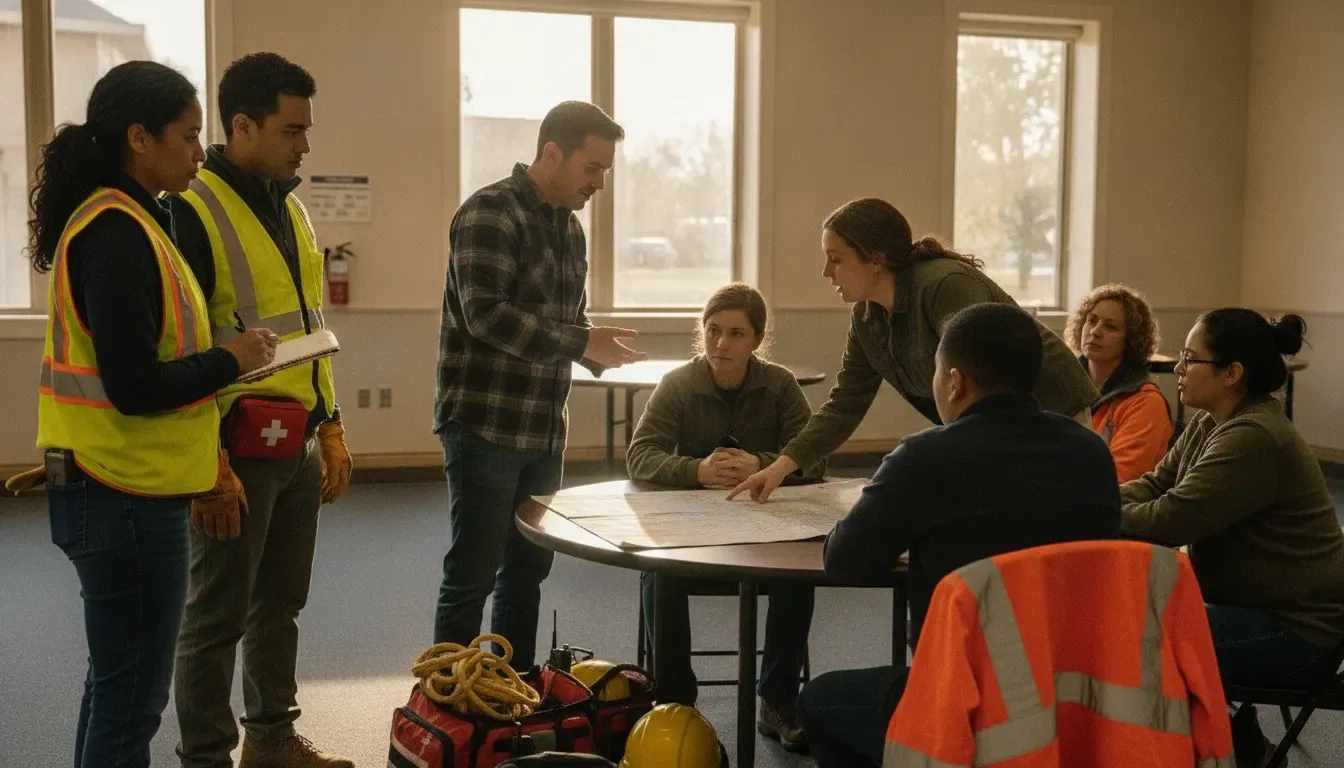
How should CERTs and NGOs use software after a deployment?
Volunteer-led organizations need a workflow that is rigorous without becoming burdensome. The process should fit the way people actually work after a drill, community event, or emergency deployment.
- Set the review scope. Identify the event, mission objectives, teams involved, and the questions the review must answer.
- Invite observations from the people closest to the work. Include team leaders, volunteers, partner organizations, and coordinators who saw different parts of the operation.
- Separate facts from interpretations. Record what happened before deciding why it happened. This reduces blame and makes the discussion more useful.
- Prioritize a manageable action list. Not every observation requires a new policy. Focus on changes that reduce risk, improve coordination, or strengthen readiness.
- Assign owners with authority to act. A volunteer coordinator may own a roster improvement, while an operations lead may own a deployment or communications change.
- Schedule a follow-up review. Confirm that the action was completed and test whether it solved the original problem during training or the next activation.
For organizations managing volunteers year-round, after-action work should connect with contact records, communications, training, hours, and field activity. That context can reveal whether a lesson is really an incident-specific issue or a recurring readiness gap.
What is the difference between an after-action report and incident reporting software?
Incident reporting software captures information about an event as it unfolds or when someone first observes it. After-action reporting evaluates that information later, identifies lessons, and assigns improvements. The two workflows are different, but they are stronger when they share reliable source data.
For example, a CERT may receive several field reports about blocked access during a storm response. Incident reporting captures the locations, timestamps, photos, and notes. The after-action process can then ask whether the issue affected deployment, whether the information reached the right coordinator, and what should change before the next event.
When evaluating a platform, ask whether it can support both sides of that sequence:
- Can responders submit structured, time-stamped observations?
- Can coordinators verify, filter, and review those observations?
- Can leaders connect the evidence to a lesson or finding?
- Can the organization assign and track the resulting improvement?
- Can the final record preserve enough context for later training and planning?
Do not assume that a product marketed for incident reporting includes a dedicated after-action module. Confirm the actual workflow in a demonstration and document any steps that require an outside tool.
How can PubSafe support an after-action reporting process?
PubSafe is an emergency coordination platform, not a replacement for 911, dispatch, or an incident command structure. Its documented role is to connect citizens, NGOs, CERT teams, volunteers, and public safety agencies through shared situational awareness and coordination.
That makes PubSafe relevant to an after-action process in several ways:
- Structured community observations: the platform supports incident reports with details such as location, incident type, severity, photos, notes, and timestamps.
- Shared operational context: organizations can review incident information, filter it by relevant factors, and use maps and verified reports to understand what happened.
- Team and volunteer coordination: teams can manage members, communications, hours, and field activity across everyday readiness and emergency response.
- Continuity between response and recovery: information collected before, during, and after an emergency can help leaders identify gaps that deserve a training, planning, or coordination change.
PubSafe should be evaluated against your specific after-action requirements. Confirm which parts of your process are handled in the platform, which require an established organizational procedure, and which outputs your team needs to export or review. The goal is not to claim that one tool replaces every reporting function. The goal is to create a connected path from community-sourced information to better decisions.
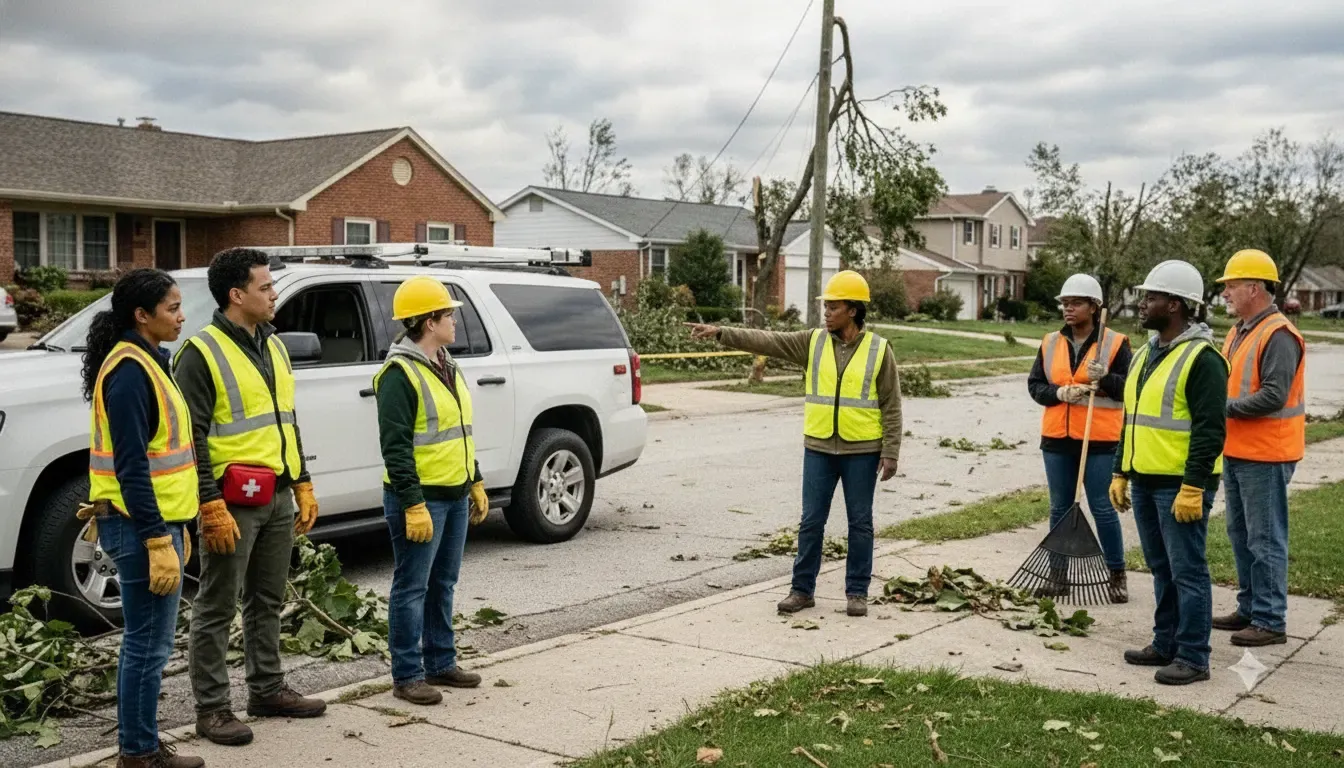
Organizations can learn more about how PubSafe’s emergency coordination platform works, review the PubSafe disaster response platform, or explore volunteer management software for nonprofits and CERTs. Teams should also keep their existing after-action review process for CERT teams as the foundation for the questions, roles, and decisions the software must support.
Frequently asked questions about after-action reporting software
What is the main purpose of after-action reporting software?
Its main purpose is to turn response observations and lessons learned into a repeatable improvement workflow. It should help an organization capture evidence, identify findings, assign corrective actions, track deadlines, and preserve the record for future training and planning.
Can small CERTs use after-action reporting software?
Yes. A small CERT can begin with a simple workflow for incident or exercise details, observations, action owners, deadlines, and follow-up. The software should reduce administrative work rather than require a complex enterprise process that volunteers cannot maintain.
Should after-action software replace an incident command system?
No. After-action software should support review and improvement after an incident or exercise. It should complement the organization’s incident command structure, dispatch process, emergency plans, and official reporting requirements.
What should emergency teams ask during a software demonstration?
Ask the vendor to show one complete scenario: submit an observation, attach evidence, identify a finding, assign a corrective action, set a deadline, update the status, and retrieve the final record. Also ask about permissions, mobile access, exports, retention, integrations, and any steps that require another system.
Build the loop from lessons learned to readiness
Emergency response organizations do not improve because a report exists. They improve when people can see what happened, understand why it happened, agree on a practical change, assign responsibility, and revisit the result. That is the standard to use when comparing after-action reporting software.
For CERTs, NGOs, and emergency-management teams, a connected coordination platform can make the evidence behind that conversation easier to find and easier to share. PubSafe brings incident reporting, community-sourced awareness, team management, and volunteer coordination into the same operational picture. The next step is to compare your current after-action workflow with the platform capabilities your organization actually needs.
Learn more about PubSafe’s emergency coordination approach at Contact PubSafe.


