
Thank you for reading this post, don't forget to install the free PubSafe mobile app and subscribe!
Outdated training records force team leaders to waste precious minutes verifying skills during a real crisis. Manual lists and messy binders often lead to expired cards. PubSafe puts every team record in one safe spot.
Schedule a PubSafe demo to see how your CERT team can track certifications and stay deployment-ready year-round.
CERT volunteer skills tracking is the way team leaders keep a list of what every member can do all year long. Many teams still use old paper files or sheets to track training and medical skills. This makes it hard to see who is ready to help when a storm hits. PubSafe gives leaders a web tool to view the live status of every person in the group. The system sends alerts when a record gets old and helps find people who need more classes. According to FEMA, a CERT Volunteer needs training in skills like fire safety and medical help. Using a digital portal saves time and ensures the team is ready to serve.
Every minute counts when a disaster strikes your town, so you must know who can lead a search team or give medical care. Read on to learn how CERT volunteer skills tracking keeps your team ready and organized for any event.
Why Is CERT Volunteer Skills Tracking Essential for Team Readiness?
CERT volunteer skills tracking is essential for team readiness because it gives leaders real-time visibility into who is trained, certified, and ready to deploy. Without a tracking system, coordinators waste hours digging through paper files during a crisis. Digital tracking ensures FEMA resource typing compliance, simplifies grant reporting, and keeps teams sharp during periods between emergencies.
CERT leaders often manage hundreds of volunteers with many training levels. Keeping track of these skills is vital to stay ready for any disaster. A clear view of team skills helps leaders assign the right people to the right tasks during a crisis. Using CERT management software tools makes this complex task much easier for local teams.
Meeting FEMA Standards for Resource Typing
FEMA sets clear rules for CERT volunteer roles. These rules cover basic disaster skills like fire safety, light search and rescue, and medical aid. Strong emergency communication for local government systems complement skill tracking by ensuring the right volunteers are notified when their skills are needed. Tracking these skills helps a team meet FEMA resource typing levels. For example, Type 1 is the highest level and requires more training in areas like crowd control. You can find more about these roles in the FEMA resource typing guide for CERT members. Leaders who track these skills can be sure their team meets all national standards.
Tracking training also helps with team organization. FEMA recommends that leaders take the IS-315 course to learn about the Incident Command System. This system helps teams work well with other agencies during a response. When you track who has taken these classes, you know exactly who is ready to lead. This makes the whole team stronger when every second counts.
Simplifying Grant Reporting and Data Use
Many CERT teams rely on grants to buy gear and pay for training. Tracking volunteer hours and skill growth is often a key part of grant reporting. Accurate CERT volunteer data shows that a team is active and well trained. This data proves to grant makers that the team uses its funds in a good way. It also helps leaders find training gaps before a real crisis hits.
Without a good system, managing these records can take hours of work. Manual logs often have errors and can be hard to search quickly. A digital system keeps all training records in one safe place. This allows leaders to run reports with just a few clicks. It also ensures that the team has the proof it needs to keep its funding year after year.
Maintaining Readiness During Blue Skies
Training should not stop when there is no disaster. Leaders call these calm times “blue skies” periods. Tracking skills during these times keeps the team sharp and ready. A cloud-based platform lets leaders manage training records for many members at once. This ensures that every member stays current on their certifications. Automated systems can even run training needs reports to help plan future classes.
PubSafe helps teams track these skills as part of daily operations. This focus on “blue skies” management builds a stronger community over time. Volunteers feel more engaged when they see their progress tracked clearly. Leaders feel more sure when they know their team is fully prepared. This simple approach turns a group of people into a ready and skilled response force.
CERT Volunteer Skills Tracking: Core CERT Skills and Certifications Every Coordinator Should Track
CERT coordinators should track core skills including fire safety, light search and rescue, disaster medical operations, team organization, and ICS training. Key certifications come from FEMA courses like IS-317 and IS-315. Tracking resource typing levels (Type 1, Type 2) and certification expiry dates ensures the team meets national standards and stays deployment-ready throughout the year.
Smart CERT volunteer skills tracking is key to team readiness. Leaders must know what their teams can do before a disaster strikes. This helps in assigning roles fast during a real event. By keeping clear records, you can see who is ready for the field. It also shows where the team needs more work to be fully prepared. These basic skills allow people from all walks of life to help their neighbors when it matters most.
Basic disaster response training
Every team member needs to master a set of core skills. These skills form the base of the Community Emergency Response Team (CERT) program. Under FEMA guidelines, basic training covers many areas. Volunteers learn fire safety and how to use fire tools. They also learn light search and rescue steps to find people in debris. Disaster medical tasks are another part of the course. This teaches team members how to help with injuries when doctors are not there. By tracking these skills, you build a more resilient town.
Online study and leadership courses
Leaders also need to track classroom learning. FEMA offers many online courses that build deep knowledge. The IS-317 course gives a full view of the CERT program. For those in charge, the IS-315 course is useful. It teaches the Incident Command System (ICS). This system helps different teams work together well. Using tools for CERT volunteer skills tracking makes it easy to log these course dates. This way, you always know which leaders meet the high standards for field work.
Resource typing and special skills
FEMA uses a system called resource typing to rank teams and people. This helps agencies know what kind of help they are getting. Type 1 is the highest rank for a CERT volunteer. To reach this level, a person must have extra skills. This might include animal response or crowd control. It can also include rehab for firefighters. Using volunteer management software helps leaders run reports on these skills. This is vital for grant reporting and showing how ready your team is.
Managing end dates and readiness
Training does not last forever. Many skills have end dates that leaders must watch. Tracking these dates is part of daily management. It prevents gaps in team skills. A good system will alert you when a member’s training is about to end. This keeps your team ready all year. Managing CERT volunteer data correctly means you can find gaps in your team. If you lack rescue experts, you can plan more training. This smart move keeps your unit strong.
How Do You Build a CERT Skill Roster for Your Team?
To build a CERT skill roster, start by listing every member and their current training. Classify each person by FEMA resource typing levels (Type 1, Type 2). Log certification dates and expiry periods for every course. Identify gaps in team capabilities, then use a digital management tool like PubSafe to maintain the roster in one cloud-based system accessible from anywhere.
Running a disaster response team starts with knowing what your people can do. A clear list helps leaders assign the right people to the right jobs. Good CERT volunteer skills tracking ensures your team stays ready for any call. You can start building your list by looking at the skills each person already has in their file.
Gather team data and skills
First, list every team member and their current training. CERT volunteers often have skills in fire safety, light search and rescue, or medical aid. You should check their records to see what they have finished. Use CERT team rosters to keep this data in one place for easy access. Knowing which members have extra medical training can save time during a mass injury event.
It is also wise to track other skills that help the team. Some people may have a ham radio license or know how to drive heavy trucks. Others might have a background in teaching or office work. Each of these skills adds value to your group during a long event. You should log these skills alongside their official CERT training courses.
Classify by FEMA resource levels
FEMA uses levels to group volunteers by their training. This system is called resource typing. A Type 2 member has basic skills. A Type 1 member has more training in areas like traffic control or animal care. You can find these rules in the FEMA job title guide. Grouping members this way helps you see how strong your team is at a glance. It also makes it easier to talk to local fire or police chiefs about what your team can do.
- Find current skills. Ask your members to show proof of their training. This includes basic CERT courses or medical classes like triage and first aid.
- Check levels. See where each person fits in the FEMA resource typing list. This helps with matching people to specific mission needs during a disaster.
- Log dates. Write down when each person finished their training. Many skills need a refresh every few years to stay valid and fresh.
- Track needs. Find the gaps in your team by looking for missing skills. You might find you need more people with search and rescue or radio skills.
- Use management tools. Put your data into a system like PubSafe. This helps you track up to 30,000 members in one cloud tool from any place.
Monitor training and grant data
Keep a close eye on when training expires so your team stays ready. You can set up an expiration period for each course to get alerts before a skill lapses. This is part of your “blue skies” work that keeps the team sharp. It also helps you see which members need to sign up for the next local class or drill.
Tracking training also helps you log volunteer hours for your group. These hours are vital when you apply for federal grants to help your team buy gear. Tools that track skills and hours in one spot save leaders a lot of work. This data shows the state that your team is an expert group that is ready to help the public.
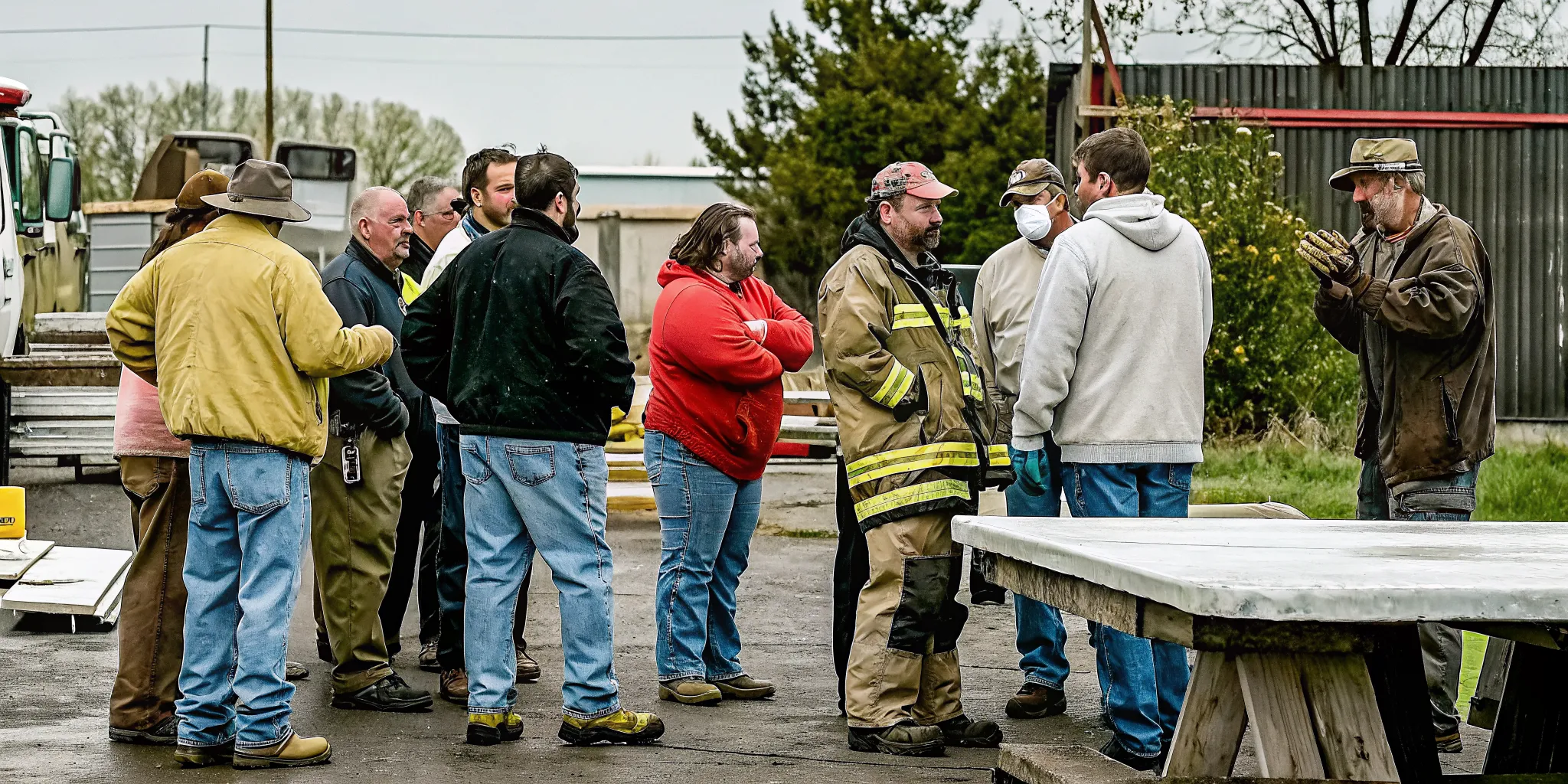
Get a free CERT management overview to learn how PubSafe helps teams track skills, certifications, and deployment readiness in one platform.
How Do You Track FEMA Certification Expiry and Training Completion?
Track FEMA certification expiry by setting renewal dates for each course in a centralized system. Use tools like the FEMA PrepToolkit to define expiration periods for every skill. Digital platforms send alerts before certifications lapse, schedule refresher training, and log completion dates. This proactive approach prevents sending uncertified volunteers into the field during a real emergency.
Managing a Community Emergency Response Team (CERT) requires more than just a list of names. To stay ready, you must know which members have the right skills and current papers. Effective CERT volunteer skills tracking helps team leaders see who is ready to deploy at a moment’s notice. Using digital tools makes it easy to watch for expiring papers and find gaps in training before a disaster strikes.
Managing certification renewal cycles
FEMA certifications are not permanent. Most skills need regular refreshers to keep volunteers sharp and safe. Team leaders can use the FEMA PrepToolkit to set specific end dates for each course. This tool lets you track years until expiry for every member in your group. When a training period ends, the system flags the record so you can schedule a new class.
Centralized systems prevent the risk of sending out-of-date volunteers into the field. You can build a full training catalog that lists every needed skill for your team. This list helps you see who has finished basic courses like fire safety or light search and rescue. Accurate records ensure your team meets the FEMA resource typing definitions for active disaster response.
Tracking training and exercise hours
Real-world readiness happens during “blue skies” periods. These are the times between emergencies when your team practices its skills. You should track attendance for every drill and classroom session to keep a full history of member growth. High-quality CERT management software tools allow you to log hours for each person with just a few clicks. This data shows which members show up most and who might need a reminder to join the next event.
Tracking training is about more than just a checkmark. It shows the depth of your team’s talent. You can run training needs reports to find where your group is weak. If only two people know how to lead medical triage, you know exactly what your next drill should cover. This proactive style keeps your group prepared for any event, including tracking volunteer skills for flood response when water rescue, shelter support, and logistics roles must be matched quickly.
Reporting for grant funding and readiness
Accurate logs are vital for getting money to run your program. Many grants require teams to show proof of volunteer hours and active training. By using volunteer management software, you can pull reports that show total hours for the whole year. These numbers prove your value to local leaders and help you get the gear and funds you need. Detailed logs turn simple training into a tool for team growth.
Finally, keeping these records in one place makes team changes easy. If a new leader takes over, they do not have to dig through paper files to see who is certified. A cloud-based platform keeps all data safe and easy to reach. This long-term view builds a culture of readiness that lasts for years. Your team stays strong because you always know exactly what skills you have on hand.
Get started with PubSafe for your CERT team to streamline volunteer training tracking and certification management.

Using Readiness Data for Smart Deployment Decisions in CERT Volunteer Skills Tracking
Readiness data helps CERT leaders make smart deployment decisions by matching trained volunteers to specific mission roles. Instead of calling anyone available, leaders use real-time skill rosters to assign the right person to each task. Data-driven deployment follows Incident Command System rules, reduces safety risks, and provides auditable records for post-incident reviews and grant reporting.
Leaders must make fast choices during a crisis. Old ways of doing things often lead to slow response times. They can also lead to the wrong person for a job. Using real data ensures that every member is ready for their task. CERT team rosters show who is ready to help right now. When you know who can go, you can act with confidence. Good data keeps your team safe and makes your work better.
Move away from ad-hoc deployment
In the past, leaders might call anyone on a list. This “ad-hoc” style does not show what each person can do. Without CERT volunteer skills tracking, you might send a new member to a hard task. This can cause safety risks for the team and the public. A data-based system shows skills like fire safety or search and rescue. You can check these facts before you send the team out. By using a clear system, you make fewer errors in the field. Leaders can see which members have the right training for things like first aid or debris clearing.
Use tracking for ICS rules
Tracking skills helps you follow the Incident Command System (ICS). FEMA sets rules for what a CERT member should know. These skills include disaster medical operations and team organization. Keeping these records in one place makes it easy to prove your team meets federal standards. You can also track when training records expire. This keeps the team ready all year long. FEMA training tools let you set dates for when a course ends. This helps you plan new training events before your team loses its ready status.
| Criteria | Ad-Hoc Approach | Data-Driven Approach |
|---|---|---|
| Skill Match | Relies on memory or old lists | Uses real-time skill data |
| Send Out Speed | Slow due to many phone calls | Fast with a central portal |
| Safety Checks | Higher risk of skill gaps | Verified training for each task |
| ICS Rules | Hard to track and prove | Auto logs for audit trails |
| Future Planning | Reactive based on needs | Proactive based on data trends |
Data for grant reports and records
Grant groups often need to see how many hours members work. This data proves the value of your team to the local area. Volunteer management software helps you pull these numbers in seconds. You can also use this data to see which members need more training. This helps you build a stronger team over time. When you have full records, you can show exactly how your team helps the community. These reports are key to getting the funds you need for gear and training. Leaders can also track member growth from their first course to more advanced roles. This keeps members engaged as they see their progress over time. Strong records lead to more trust from the city and from the team itself.
Frequently Asked Questions
How do CERT coordinators manage volunteer training completion?
CERT leaders use tools like PubSafe to track training and records in one cloud system. This helps leaders check team skills all year and find what training is still needed. According to FEMA, this process includes setting dates for when training must be redone. Using a central site for these records helps teams stay ready for disasters and makes it easy to run grant reports for the group.
What skills are taught in CERT training?
Basic CERT training covers vital skills for helping during a disaster. These include fire safety, light search and rescue, and team organization. People also learn medical steps to take after a disaster. According to FEMA, this training builds a base for helping neighbors in a crisis. The goal is to create a pool of trained people who can help their local community in an emergency.
What online courses do CERT volunteers take?
CERT volunteers often take FEMA courses to build their base skills before field training. The IS-317 is a start for the CERT program and how it works. These courses let volunteers learn at their own pace before they start hands-on training. Leaders can track these online course finish dates in a portal like PubSafe. This makes it easy to see which members have the right base knowledge for hard field drills or disaster response tasks.
Do CERT leaders use Incident Command System (ICS) management?
Yes, CERT leaders use the Incident Command System to manage teams during a crisis. This system is a standard way that emergency managers across the country work together. FEMA offers a course called IS-315 that teaches leaders how to use this system. Using PubSafe helps leaders follow these rules by tracking which volunteers have the right training. This keeps the team ready to join larger response efforts without any delay.
Are you ready to track your CERT team’s skills more easily today?
Failing to track your team’s skills can lead to slow response times or unsafe events during a real emergency. If you wait until a crisis starts to check your files, you may find that vital training has expired. Starting now means you will have a clear view of how ready your team is before the next storm.
You can move away from messy spreadsheets and keep all your member data in one secure place with this tool. This change helps you keep your volunteers active and ready to help when they are needed most by your unit. Ready to book? Book a demo of PubSafe for your CERT team to start tracking skills, training, and certifications in one easy place.


