
A TAK deployment is more than installing server software. Field teams need a defined mission, a supported server environment, and secure connections. They also need enrolled clients and an owner who can maintain the system during and between incidents.
This guide explains how to set up a TAK server without treating a tactical awareness system as the entire emergency management stack. It covers planning, hosting, identities, Cursor on Target (CoT) routing, client enrollment, testing, and the complementary role PubSafe can play around the technical field layer.
What Does a TAK Server Do for Field Teams?
A TAK server routes authorized tactical data between compatible clients. Depending on the deployment, that data can include responder locations, map shapes, and chat. The server is the shared service behind the client apps. It is not the map itself. It is also not a replacement for broader public, volunteer, or incident-management coordination.
A field client is the application used by a responder or operator. It presents the map, accepts observations, and sends or receives information. The server provides the networked service that routes information between connected clients. Installing an app on field devices does not create the shared service those devices need.
That distinction affects architecture and ownership. A team must plan server infrastructure, client software, identity management, protected data flows, technical support, and operating procedures as connected but separate responsibilities. The Department of Homeland Security TAK overview describes TAK as a system involving server and client components, hardware, and technical support.
When the server routes location updates, shapes, and chat, authorized users can work from a more consistent tactical picture than when every device operates in isolation. A team leader may see participating responders, review an operational boundary, and exchange concise messages in the same environment. The value comes from connected data and disciplined procedures, not from simply adding more icons to a map.
How Should You Plan a TAK Server Deployment?
Start with the operation, then design the TAK deployment around its users, data, networks, and support capacity. Define the mission, access rules, hosting model, recovery expectations, and pilot criteria before enrolling every field device and partner agency.
Search and rescue, wildfire response, public works, and multi-agency incidents can require different users, map layers, reporting practices, and escalation paths. Identify field users, supervisors, read-only viewers, dispatchers, incident commanders, technical administrators, partner agencies, and trainers. Decide who approves access and who can suspend it.
Establish data governance before client enrollment. Decide which users may share locations, drawings, chat, or other operational information, and how long that information should remain available. Define procedures for role changes, lost devices, credential revocation, outside-agency access, and records handling. The aim is not to restrict useful information. It is to ensure that sensitive information reaches the right people for the right mission.
Choose hosting based on availability requirements, agency policy, network conditions, and the skills available to maintain the environment. An in-house model can fit an organization with established infrastructure and IT capacity. A managed or commercial model can help when internal infrastructure or expertise is limited. Either way, the organization needs an internal program owner for policy, access, testing, continuity, and vendor oversight.
| Decision | In-house approach | Commercial approach |
|---|---|---|
| Primary owner. | Internal IT and operations staff. | Vendor plus an internal program owner. |
| Best fit. | Existing infrastructure and technical capacity. | Limited internal infrastructure or expertise. |
| Plan for | Hardware, maintenance, training, and support. | Vendor oversight, access policy, and service continuity. |
Finish planning with a responsibility matrix. Assign infrastructure, security, enrollment, training, help desk, backup, and review owners. Select a small pilot group and define acceptance criteria for authorized connections, data visibility, revocation, recovery, and support response.
How to Set Up a TAK Server for Secure Field Operations
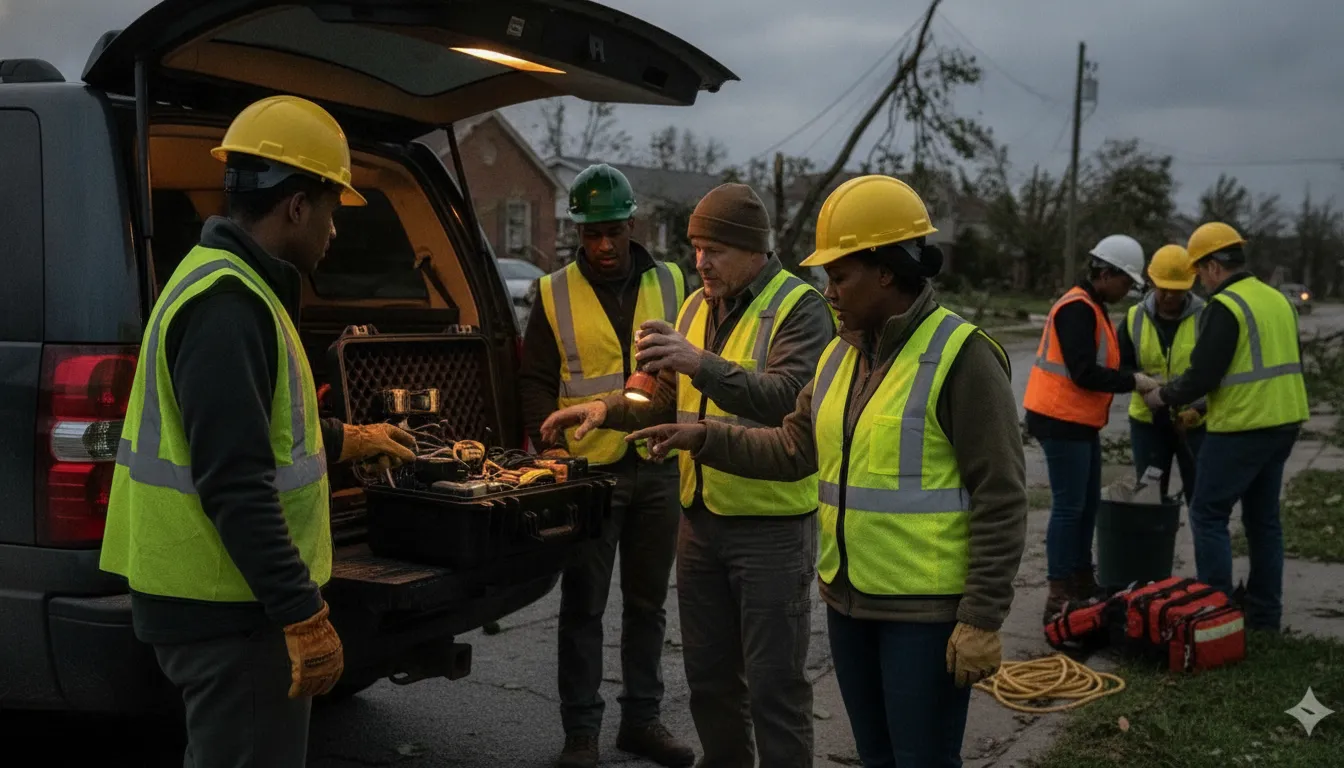
To set up a TAK server securely, select a supported release and provision an approved host. Harden the operating system and restrict network exposure. Configure DNS and TLS through approved processes. Validate encrypted connectivity before field enrollment, then document the configuration and its owner.
The exact release, operating system, ports, and configuration values must come from the current official TAK documentation and your organization’s security requirements. Avoid copying commands or port lists from an older guide without confirming that they apply to the selected version.
- Select the supported release. Record the version, installation source, documented prerequisites, and owner for future upgrades.
- Provision a dedicated host. Use an approved cloud or data-center environment with access controls, backups, and a documented recovery path. Separate production from testing where practical.
- Harden the operating system. Apply the organization’s baseline, restrict administrative access, remove unnecessary services, use individual accounts, and establish patching ownership.
- Define the network boundary. Document which clients, administrators, and supporting services must connect. Permit only required traffic through the host and upstream firewalls.
- Configure DNS and TLS. Assign a stable service name, confirm resolution from intended client networks, and use the approved certificate process. Track expiration and renewal ownership.
- Validate protected connectivity. Test approved clients from intended networks and confirm that unnecessary services are not exposed. The WFTAK architecture reference describes encrypted connections between a server and mobile applications, but each organization must validate its selected implementation against current documentation and policy.
Monitoring should be in place before responders depend on the service. Track host health, availability, certificate status, authentication failures, and relevant network errors. Centralize logs where policy permits, define alert ownership, and test that an alert reaches someone who can act. Document the approved configuration, firewall review, certificate contacts, backup location, and rollback procedure.
How Do Identities, CoT Routing, and Client Enrollment Work?
Secure enrollment connects an approved person and device to the correct server profile, identity material, role, and data groups. CoT routing should then deliver only the information required for the mission. Test both access and data visibility before production use, including revocation for a lost device.
Build an identity lifecycle rather than a one-time login. Define how users are approved, what roles they receive, how devices are enrolled, and how credentials are renewed or revoked. Keep administrators distinct from field users. Use separate training and test identities, and label test traffic so it cannot be mistaken for an active incident.
CoT routing rules should reflect operational need. Decide which teams can publish locations, shapes, chat, or other data, which groups can receive each stream, and what read-only access means. The TAK Server security overview explains the server’s routing role. Your own security and incident-management policies still determine what information should move between groups.
Give each authorized user the correct server profile and identity materials. Confirm the endpoint, transport settings, certificate or credential validity, device time, role permissions, and expected data-sharing rules. Test a lost-device or changed-assignment scenario. When access is revoked, verify that the affected user or device no longer receives operational data.
Keep an enrollment record that shows who approved the access, which device was used, when credentials expire, and when access was removed. This record supports exercises, incident review, troubleshooting, and accountability without requiring a universal profile for every device.
How to Set Up a TAK Server and Maintain It in the Field
Test the complete client-to-server path with representative users and networks before an event. Rehearse a disconnected client, expired credential, service interruption, backup restoration, and return to service. Then turn those results into a recurring maintenance and change-control routine with named owners.
Run a pre-event test with representative clients, accounts, and mission data. Confirm that authorized users can connect, exchange position data and chat, and view the information they are expected to receive. Test from the networks field teams will actually use, including approved cellular or other available connections.
Include a controlled failure drill. Disconnect a test client, interrupt the expected network path, expire a test credential, and restore service. Record what the operator sees, how the team communicates the outage, and which steps return the system to service. A backup that has never been restored is an assumption, not a recovery capability.
Review logs on a defined schedule for authentication failures, unexpected connections, service errors, and unusual traffic. Protect logs from casual alteration and retain only what policy permits. Back up configuration and other operational data, protect backups separately from the server, and periodically verify that they are usable.
Manage certificates as a lifecycle. Track issuance, expiration, renewal, and revocation ownership. Apply operating-system and TAK software updates through a documented change process that records the version, approver, test result, rollback method, and implementation time. After every exercise or incident, hold an after-action review and update the runbook.
How Does TAK Server Integration Work With PubSafe?
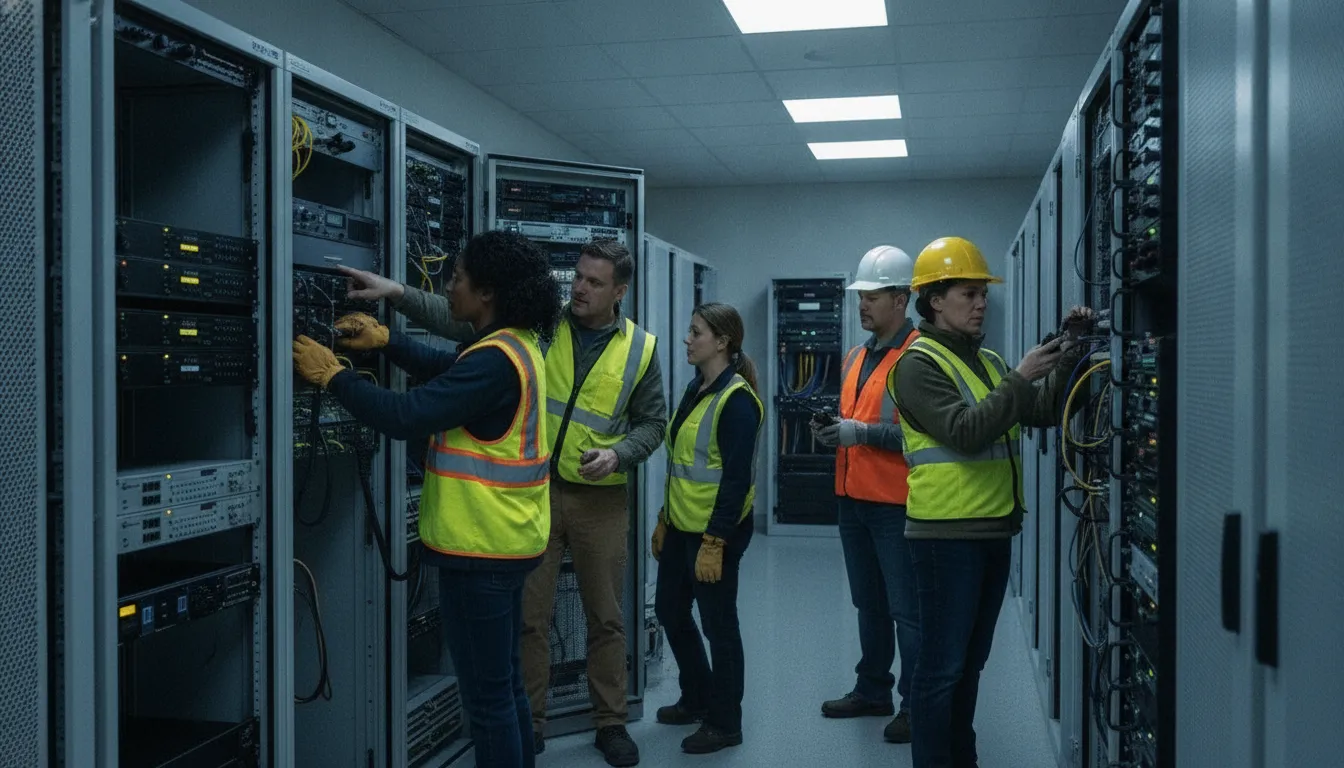
TAK and PubSafe can serve complementary roles. TAK supports professional tactical awareness among connected field operators, while PubSafe can help coordinate the broader response involving community members, volunteers, NGOs, and CERT teams. Confirm any technical connection path before calling it a native integration or promising a specific data exchange.
Integration should begin with a clear boundary, not an assumption that one platform replaces the other. TAK is suited to specialized field awareness and operational data exchange. PubSafe supports broader emergency coordination around an incident, including organization and member management, community communication, and volunteer-led response workflows.
Define what information may move between systems, who approves it, which system is authoritative for each record, and how sensitive data is protected. A team may use TAK for responder locations and tactical observations while using PubSafe for broader coordination with approved community or volunteer groups. The exact design depends on supported interfaces, policy, user roles, and the mission.
Before connecting systems, validate the integration path in a test environment. Document data ownership, authentication, error handling, privacy controls, retention, and an operational fallback. Do not represent a custom workflow or future connection as an existing native product feature. For broader emergency communication planning, see PubSafe’s emergency management platform and emergency communication resources for local government. Teams can also review volunteer management capabilities when the operation includes organized volunteers. PubSafe’s overview of how the platform works provides additional context.
Frequently Asked Questions
How do you build a TAK server?
Define the mission, users, data flows, and support owner. Select a supported implementation model, provision and harden the host, configure protected connections, establish identities, and enroll clients. Test location, chat, permissions, revocation, backups, and recovery with representative devices before field deployment. The DHS TAK overview explains the separate server and client components.
What is the easiest way to set up a TAK server?
The most reliable approach is a documented deployment path that matches the organization’s technical capability. A managed service may reduce infrastructure work, while an in-house deployment may fit teams with established IT support. In either case, use current official documentation and retain internal ownership of access, policy, testing, and continuity.
Do I need a TAK server for my field team?
Not every small operation needs a centralized server. It becomes more useful when multiple teams must share responder locations, shapes, chat, or other mission data across networks and maintain a common operational picture. If the mission also involves residents, volunteers, NGOs, or CERT members. Use a complementary community coordination layer such as PubSafe instead of treating tactical awareness and whole-community coordination as the same function.
What ports are required for a TAK server?
There is no single safe port list for every deployment. Requirements depend on the server version, enabled services, client transport choices, and administrative design. Obtain the current requirements from official documentation for the selected release. Expose only needed services, restrict administrative access, and validate the rules from an approved test network.
How do I configure clients to connect to my TAK server?
Give each authorized user the approved server profile and identity materials. Configure the endpoint and transport settings. Confirm credential validity, device time, role permissions, and data-sharing rules. Test enrollment and revocation before an incident. A lost device or changed assignment should not require guesswork.
TAK can be a valuable tactical awareness layer when it has a defined mission, secure identities, governed routing, tested recovery, and accountable support. PubSafe can complement that specialized field layer by helping organizations coordinate the broader community response. Contact PubSafe to discuss the coordination model that fits your operation.


