
A volunteer roster alone cannot direct a safe, fast response when conditions change by the minute. Disaster teams need software that manages people during routine operations and coordinates them when an incident begins.
See how PubSafe connects volunteer management with live incident coordination.
VolunteerHub alternatives for disaster response organizations must go beyond routine sign-ups, fixed shift schedules, and basic hour tracking. The right platform should help coordinators see incidents, map needs and resources, communicate both ways, and assign vetted volunteers safely as conditions change. It should also support daily operations, so teams can train, engage, organize, and retain volunteers before a crisis tests the system. This matters because the Federal Emergency Management Agency warns volunteers not to self-deploy and says trusted organizations know where help is needed during disasters. A strong alternative connects volunteer records with real-time field coordination, giving NGOs and CERT teams one clear operating picture from first response through long-term recovery.
That leaves one practical question: What should disaster response organizations look for in a VolunteerHub alternative? The answer starts with the demands ordinary scheduling tools cannot meet when the situation changes fast and every assignment affects safety. The evaluation begins with the capabilities ordinary scheduling tools cannot provide.
What should disaster response organizations look for in a VolunteerHub alternative?
VolunteerHub alternatives for disaster response organizations must do more than store profiles, schedule shifts, and count hours. They must support routine volunteer work while staying ready for a fast, complex incident.
Daily value and incident readiness
A useful system earns its place before a disaster occurs. Teams should be able to manage training, events, credentials, availability, and routine assignments in one familiar tool.
That daily use matters during an incident. Volunteers and leaders already know the workflow, so they can focus on the response instead of learning new software. A dedicated disaster response platform should let teams shift from blue-sky work to active operations without rebuilding their records.
Coordination beyond volunteer administration
Volunteer administration answers who is registered and when each person can serve. Emergency response also asks where needs are changing, which resources are nearby, and who can act safely.
Look for tools that connect people, locations, tasks, and incident updates. Useful response features include:
- Two-way communication for new instructions and field reports
- Live maps for incidents, volunteers, resources, and service needs
- Skill, credential, and availability filters for safe task matching
- Rapid intake and assignment workflows for unexpected volunteer demand
- Clear roles, permissions, activity logs, and incident records
These controls help prevent volunteers from acting without direction. FEMA tells volunteers not to self-deploy because trusted local groups know where help is needed. Its guidance for disaster volunteers also stresses safety, training, and skill matching through established organizations.
A practical test for real operations
Evaluate each option against a normal week and a demanding incident. During blue-sky operations, test event setup, training records, routine messages, and volunteer engagement. Then run a drill with changing needs, new volunteers, and several field teams.
During the drill, watch how quickly leaders can confirm needs, assign qualified people, and update everyone affected. Test whether field volunteers can report back without leaving the main workflow. The system should also preserve a clear record for later review.
Pay close attention to surge intake and oversight. A sound process for managing spontaneous volunteers in disasters should screen skills, share safety instructions, control assignments, and track participation from arrival through release.
The right alternative closes the gap between volunteer records and field action. It supports steady community work every day, then adds the shared view and communication needed when conditions change.
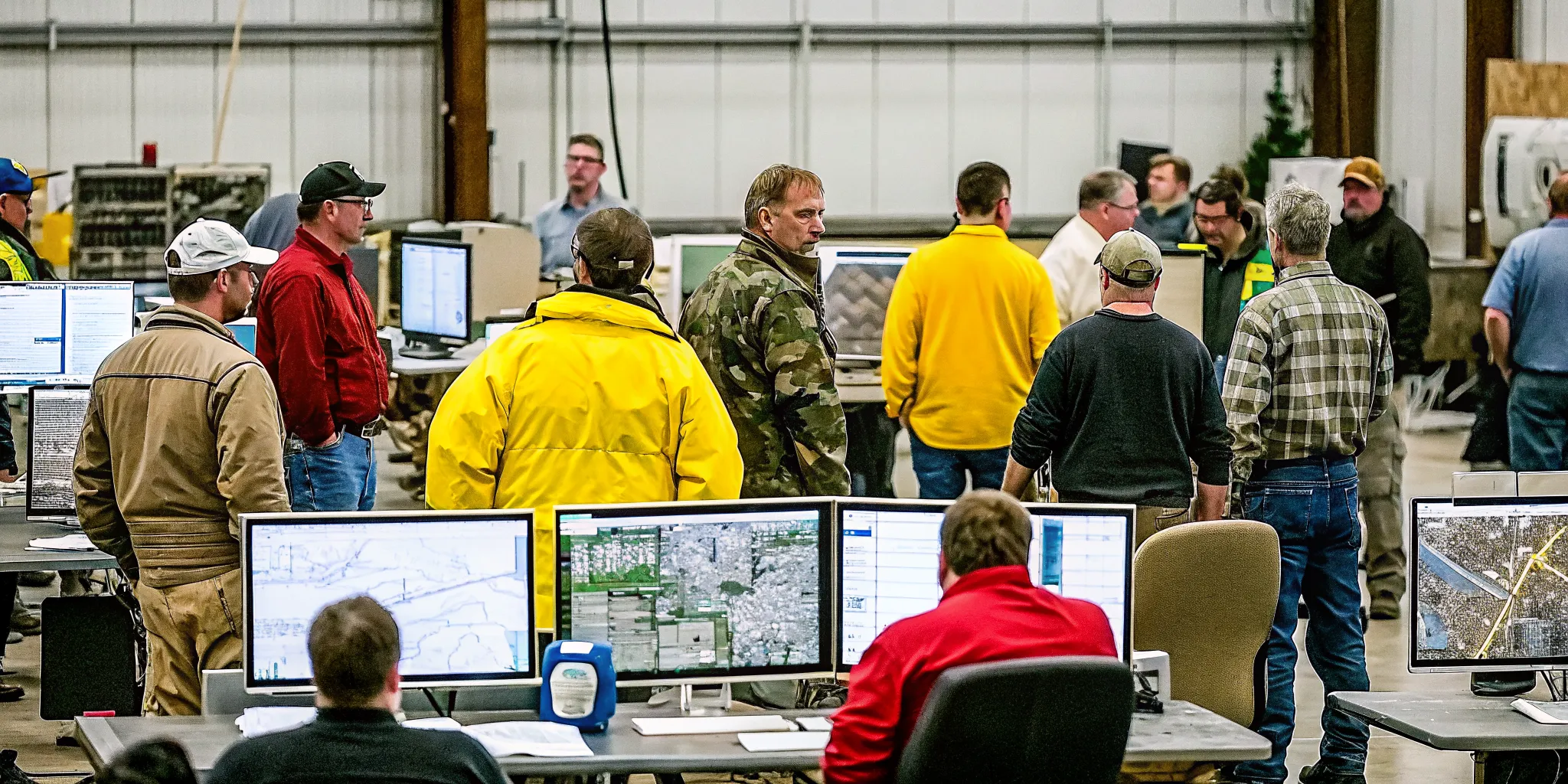
Volunteer management vs. disaster response coordination
General volunteer management answers who can help, when they are available, and which shifts they filled. Disaster response coordination must also answer what is happening, where help is needed, and how conditions are changing.
That distinction matters when teams assess VolunteerHub alternatives for disaster response organizations. A useful review should test both routine volunteer workflows and the tools needed during an active incident.
Different jobs, different system needs
Routine tools help coordinators build a dependable volunteer program. Common tasks include registration, skill records, schedules, attendance, and service-hour reports. These functions support training days, community events, and other planned work.
During a disaster, the operating picture can shift by the hour. Coordinators need current incident data, field locations, resource status, and two-way updates. A emergency coordination platform connects those details to the people assigned to act.
| Comparison area | General volunteer management | Disaster response coordination |
|---|---|---|
| Primary purpose | Organize ongoing service | Direct work around an incident |
| Planning model | Scheduled shifts and events | Changing needs and urgent assignments |
| Location data | Event sites and check-in points | Live field locations and incident maps |
| Communication | Reminders and announcements | Two-way operational updates |
| Volunteer intake | Planned registration and onboarding | Rapid intake, screening, and skill matching |
| Command context | Program and event oversight | Roles tied to incident operations |
The two categories overlap, but they are not interchangeable. Scheduling confirms that a volunteer plans to report. Coordination shows where that person is assigned, what task is active, and whether the field situation has changed.
What changes during an incident?
Disasters can draw people who want to help but lack an assignment. FEMA tells volunteers not to self-deploy and recommends working through trusted organizations. Those groups can consider safety, training, and skills before sending people into affected areas. Its guidance for disaster volunteers also notes that critical needs can change fast.
This creates a workflow that goes beyond filling open shifts. A coordinator must receive volunteers, check skills, share safety details, assign tasks, and update those tasks as needs move. Plans for managing spontaneous volunteers in disasters should cover that full path.
Incident command adds another layer. Teams may need to connect volunteer actions with defined roles, field reports, and wider response goals. Daily volunteer records still matter because recovery work can continue long after the first response period.
The right choice depends on the mission. Organizations focused on planned service may need strong scheduling and reporting. Groups that also deploy during crises should test mapping, two-way communication, rapid intake, and incident-based assignments before selecting a platform.
The best VolunteerHub alternatives for disaster response organizations
The best choice depends on how much work must happen during an incident. Start by mapping daily volunteer tasks, field needs, agency partners, budget, and staff capacity. Then compare each option against the same response plan instead of its longest feature list.
Dedicated disaster coordination platform
This option fits NGOs and CERT teams that need volunteer management and live incident coordination in one system. PubSafe combines those functions with situational awareness, incident mapping, secure communication, and real-time resource location. Its incident response system also supports routine operations between emergencies.
A focused platform can reduce handoffs between scheduling, messaging, maps, and field reports. That matters when needs shift and teams must act on the same information. FEMA advises volunteers not to self-deploy because trusted organizations know where help is needed. Its disaster volunteer guidance also stresses safety, training, and skill matching.
Evaluate how incident reports become assignments and how leaders track work in the field. Check whether coordinators can update needs, find available skills, and share changes from one place. A connected flow helps staff spend less time copying details between tools.
General volunteer platform plus incident tools
This approach keeps a familiar volunteer database for sign-ups, shifts, and hours. Separate tools then handle alerts, maps, team chat, and incident records. It may suit groups with steady programs and only occasional response work.
The tradeoff is coordination overhead. Staff must keep names, assignments, locations, and status updates aligned across systems during a fast-moving event. Test every handoff before choosing this stack, including how the team will manage unplanned arrivals. PubSafe’s guide to managing spontaneous volunteers in disasters explains why intake must connect to field needs.
Ask who owns each record and which system holds the final status. Run a drill that covers intake, assignment, field updates, reassignment, and checkout. The test should expose gaps before a real event puts pressure on staff.
Enterprise systems and manual stacks
An enterprise emergency management system may fit a large agency with formal procurement, dedicated administrators, and complex reporting needs. It can support broad workflows across departments and partner agencies. It may also demand more setup, training, and upkeep than a small response group can sustain.
At the other end, a small group may begin with forms, spreadsheets, email, group messaging, and a shared map. This low-cost stack can cover basic intake and scheduling when events are limited in size. It also gives the organization time to document its process before selecting software.
Both choices need a clear operating plan. Enterprise buyers should define who will configure and maintain the system during quiet periods. Manual-stack users should set record owners, access rules, and backup steps. Every group should test whether volunteers can learn their tasks quickly under stress.
Use an exercise to review the core workflow:
- Volunteer identity, skills, training, and availability
- Assignment approval, check-in, and check-out
- Field location, task status, and urgent updates
- Record access, backups, and after-action reporting
Choose the lightest option that still supports safe, clear coordination. If a stack needs constant copying, compare that staff burden with the cost of one connected platform.
Where does general volunteer software stop during an emergency?
General volunteer software answers routine questions: Who signed up, which shift needs help, and how many hours did each person serve? During an incident, leaders must also know what is happening, where help is needed, and whether field teams are safe.
This gap matters because emergency needs can change before the next shift roster is updated. FEMA advises people not to self-deploy because trusted groups on the ground know where volunteers are needed. Response software must help those groups turn changing field needs into clear, safe assignments.
A live view of the incident
A schedule shows planned work. It does not show a blocked road, a new shelter request, or a team waiting for supplies. Incident mapping adds place and time to each report. This gives coordinators a shared view of changing conditions.
Resource visibility adds another layer. Leaders can see available people, vehicles, equipment, and supplies before sending a team. A disaster operations platform connects those resources to mapped needs instead of leaving updates across spreadsheets, texts, and calls.
Two-way communication from the field
Bulk reminders work well for planned shifts, but an emergency needs a reply path. Volunteers may need to confirm arrival, report a hazard, request support, or say an assignment cannot be completed.
Secure, two-way communication gives the operations team information it can act on. It also helps prevent outdated directions from spreading after conditions change. FEMA notes that critical needs change rapidly. Teams should confirm the need before collecting or sending resources.
Data built for each incident
Routine profiles hold useful details such as contact information, skills, and past hours. Incident records need more context. This can include check-in status, current location, assigned task, safety notes, and resource requests.
That information supports accountability without turning every update into another phone call. It also helps coordinators match skills to urgent work and document what happened. The result is a clear operating picture, not just a list of people expected to arrive.
When reviewing VolunteerHub alternatives for disaster response organizations, test the system against real incident decisions. Can leaders map needs, locate resources, receive field reports, and revise assignments as conditions shift? If not, the software still manages volunteers, but it does not fully coordinate a response.
How to evaluate and switch to a disaster-ready platform
A sound switch starts with field needs, not a feature checklist. The new platform must support daily volunteer work and fast incident coordination. It should also help leaders direct volunteers through trusted organizations, since FEMA warns people not to self-deploy.
Define the response model
Map how information moves from leadership to field teams and back. Include routine shifts, severe weather, search assignments, supply delivery, and long recovery work. Name who can open incidents, approve volunteers, assign roles, view locations, and close cases.
Then turn each workflow into a test that has a clear pass or fail result. A response coordination software should prove it can handle live field changes, not just planned schedules.
Run a controlled migration
Use a small exercise to compare options under safe but realistic pressure. Include field users, dispatch staff, team leads, and an administrator. Give each person a defined role, then record delays, missed updates, access issues, and training questions.
- Set requirements. List daily and incident workflows, user roles, approval rules, reports, integrations, and support needs. Rank each item as required or useful.
- Prepare the data. Remove duplicate records, confirm consent, and map volunteer profiles, skills, credentials, teams, and history to the new fields.
- Build a test group. Select a small mix of leaders, coordinators, field volunteers, and virtual volunteers. Assign permissions based on real duties.
- Run an exercise. Test activation, check-in, task assignment, location updates, two-way messages, reassignment, and demobilization. Include a sudden surge of new volunteers.
- Review adoption. Ask users what slowed them down and which steps were unclear. Fix the workflow, role settings, and training before rollout.
- Launch in phases. Move one team or region first, keep a rollback plan, and set support contacts. Expand after the pilot meets its pass criteria.
Verify readiness after launch
Migration is not complete when records move. Confirm that permissions work, reports match source totals, and field updates reach the right people. Test weak connections, staff handoffs, and changes to urgent needs.
Schedule short drills during normal operations so skills stay current. Track message delivery, check-in time, assignment completion, and support requests after each drill. Since disaster needs can last months or years, FEMA notes that recovery work continues long after media attention fades.
Keep the old system read-only for a set review period when policy allows. Document data ownership, export steps, and backup checks. These controls give leaders evidence that the switch supports both routine service and an active response.
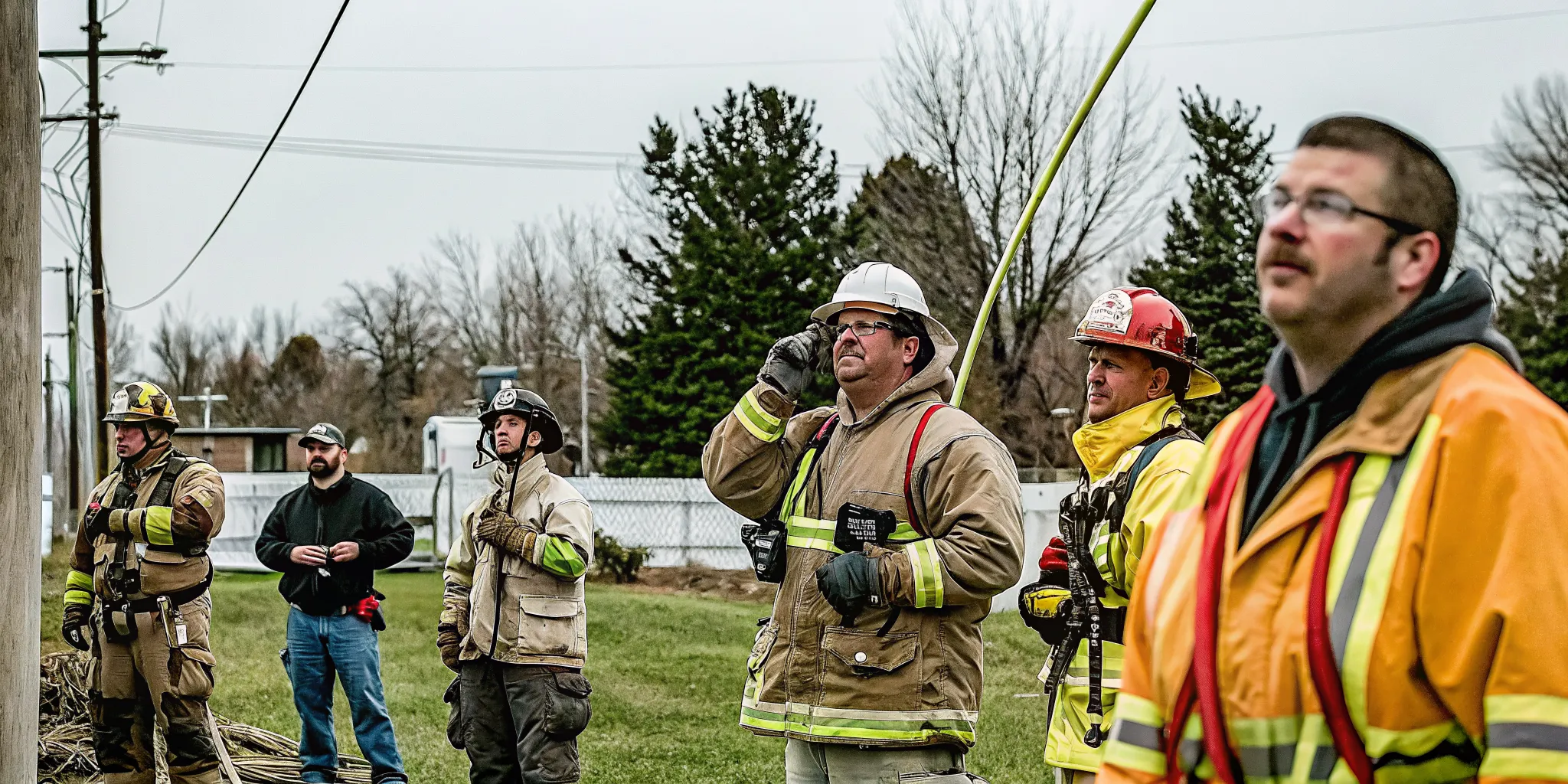
Why daily use matters before disaster strikes
A response platform cannot become familiar during the first hour of an emergency. Teams need routine, low-pressure use before an activation tests every process at once. Daily tasks build habits, reveal gaps, and give leaders time to fix them.
Training that becomes habit
Use the platform for meetings, planned events, volunteer shifts, and routine field work. These blue-sky tasks teach volunteers how to sign in, share updates, accept assignments, and close tasks. When an emergency begins, those actions already feel familiar.
Routine use also makes training more practical. New volunteers can learn through real tasks instead of a long lesson they may forget. Team leads can spot who needs help and confirm that backup leaders know the workflow.
This practice supports safe deployment. FEMA advises volunteers to work through established organizations, where safety, training, and skills can guide assignments. A system used each week helps teams apply those checks before pressure rises.
Current people, roles, and records
Daily activity keeps contact details, skills, availability, and credentials from going stale. Volunteers can correct a phone number or update a qualification during routine work. Coordinators then start an activation with records they have recently used.
Regular use also makes roles clear. Each person learns who assigns work, who approves changes, and where field updates belong. A incident coordination platform can connect those roles with incident locations and live status reports.
That shared process reduces guesswork when conditions shift. It also shows whether a person is ready for field work, remote support, logistics, or another role. Leaders can match the right people to the right need without rebuilding the roster.
Exercises that expose weak points
Exercises turn daily habits into response readiness. Run short drills for a missing-person search, shelter opening, supply delivery, or communications outage. Include staff, team leads, field volunteers, and remote volunteers so each role gets tested.
During each drill, check whether messages reach the right groups and assignments have clear owners. Confirm that responders can report status, location, and new needs. This gives teams a safe way to find unclear steps or missing data.
After the drill, review what slowed the team and update the process while details are fresh. Repeating this cycle makes coordinating crisis volunteers a practiced skill rather than a plan stored on a shelf.
When assessing VolunteerHub alternatives for disaster response organizations, ask how well each option supports this daily cycle. Scheduling matters, but readiness also depends on training, role clarity, live records, and repeated exercises.
When is it time to choose a disaster coordination platform?
Warning signs in current operations
A general volunteer tool may work well during planned events. The gap appears when an incident forces teams to make fast choices with incomplete information. If coordinators must switch among schedules, text threads, maps, and spreadsheets, they may lose a shared view of the response.
Pay close attention when teams cannot answer basic field questions without several calls. Who is available, where are they, what skills do they have, and which assignments are still open? FEMA notes that critical needs change rapidly, so old details can send people or supplies to the wrong place.
- Leaders cannot see active incidents, teams, and resources in one place.
- Field volunteers cannot send updates back to coordinators.
- Unplanned volunteers arrive faster than staff can screen, brief, and assign them.
- Daily tools become hard to use when response activity rises.
- After-action reports depend on rebuilding events from scattered messages.
A practical decision test
Start with the work, not a feature list. Map one likely incident from the first report through stand-down. Mark every handoff, approval, status update, location check, and reassignment. Then note where staff must copy data, wait for a reply, or guess.
A dedicated platform is worth considering when those gaps affect safety, speed, or accountability. It should connect volunteer records with live incident work, rather than replace one isolated scheduling tool with another. This distinction matters when reviewing VolunteerHub alternatives for disaster response organizations.
Next, run a short exercise with the people who would use the system in the field. Test whether they can receive an assignment, report status, share location details, and close the task. PubSafe’s guide to a emergency response platform explains how those functions fit into a shared operating picture.
Readiness before selection
Software cannot fix an unclear response plan. Before choosing a platform, name the person who can open an incident and assign team roles. Set rules for data access, volunteer screening, communications, and escalation. Also decide which daily activities will keep users familiar with the system.
Finally, check fit against real limits. Review staff time, training needs, mobile access, and the tools that must remain in place. If the platform supports both routine coordination and urgent response, teams can practice before conditions become difficult.
Explore PubSafe’s disaster response coordination capabilities before your next activation.
Frequently Asked Questions
What are the best alternatives to VolunteerHub for disaster response organizations?
The best alternative depends on whether the organization only schedules volunteers or also coordinates active incidents. Disaster response teams should compare rapid onboarding, skill matching, live incident mapping, resource location, bidirectional messaging, and long-term activity records. PubSafe combines volunteer management with emergency coordination, making it one option for teams that need both daily operations and incident response.
How do virtual volunteers support disaster response nonprofits?
Virtual volunteers support disaster response by monitoring incoming reports, updating records, mapping needs, sharing verified information, and handling administrative work. This remote support helps field teams focus on direct operations while keeping coordinators informed. Organizations should assign clear roles, use secure communication channels, and train remote volunteers before an incident whenever possible.
Why is cash donation often preferred over volunteer management in immediate disaster relief?
Cash lets established relief organizations buy the specific supplies and services a community needs without managing unrequested goods or untrained arrivals. FEMA says financial contributions are the fastest, most flexible, and most effective way to donate. People who want to volunteer should connect with trusted organizations rather than self-deploying to an affected area.
What is the role of volunteer management software in emergency response?
Emergency volunteer management software helps coordinators register people, verify skills, assign appropriate work, communicate changes, and track participation during response and recovery. Unlike a basic scheduling tool, an emergency-ready system should also support live incident information, location-aware coordination, and rapidly changing assignments. These capabilities help organizations place volunteers where they are needed without losing accountability.
How do disaster response organizations manage a massive influx of volunteers?
Disaster response organizations manage a surge by directing volunteers through one intake process, capturing skills and availability, and assigning only trained people to suitable tasks. Coordinators also need bulk updates, safety checks, and records of every assignment. A clear process discourages self-deployment and helps teams adjust as needs change throughout response and recovery.
Ready to choose a platform your team can use?
Delaying this decision can leave coordinators switching between disconnected tools when the next incident demands a fast, organized response from staff and volunteers. Starting now gives your team time to map workflows, involve volunteers, test communication, and address gaps before operational pressure rises. Early planning also helps leaders set clear expectations for routine volunteer work and disaster response coordination before a high-stakes event forces rushed choices.
Ready to evaluate the next step? Review your current process with coordinators and identify the points where communication, assignments, or status updates may slow the team. See how PubSafe works to compare its approach with your requirements, then request a focused discussion with your team.


