
When emergency responders work across a large or changing scene, a list of radio updates is not enough. Teams need to understand where people, assets, hazards, routes, and reports fit within the same operating picture. What is ATAK? It is a professional tactical situational-awareness platform that helps authorized users share and interpret location-based operational information.
What Is ATAK?
ATAK stands for Android Team Awareness Kit. It is a mobile, map-based platform used primarily in military and professional first-responder environments to share operational information, maintain situational awareness, and support coordinated field activity. The wider TAK ecosystem uses Cursor on Target, or CoT, to exchange structured situational-awareness data between compatible users and systems.
ATAK is best understood as a shared operational view, not as a general-purpose messaging app. Depending on the deployment, authorized users may work with maps, locations, symbols, overlays, imagery, routes, messages, and other mission information. The exact capabilities depend on the version, plugins, connected services, permissions, network, and organization operating the system.
The word geospatial explains much of its value. Instead of treating each observation as a separate message, a geospatial system connects information to a place. A field team can discuss a hazard, route, point of interest, or resource while looking at the same geographic context. That shared reference can help an organization build a common operating picture for tactical planning.
ATAK is not automatically the right tool for every person involved in an emergency. Military units and professional responders may need controlled access to mission data. Volunteers, nonprofit organizations, CERTs, and residents may need different workflows for reporting, alerts, team management, and community participation. A sound response architecture assigns each group a useful role instead of treating one application as a universal replacement.
Key takeaway: ATAK is a professional, map-based tactical situational-awareness platform. It helps authorized operational users share location-based information, but it is not a universal emergency-alerting or community-engagement system.
What ATAK is not
ATAK is not simply a group chat with a map attached. It is also not a substitute for every command, dispatch, records, incident-reporting, or public-notification system. Its value depends on the operating environment, the information being shared, the users who are authorized to access it, and the procedures that turn information into decisions.
That distinction matters when a response includes people outside a professional tactical team. Community participants may need accessible reporting and coordination tools without being provisioned for sensitive operational data. ATAK and community-facing platforms can therefore be complementary, not competitive. One can support restricted tactical awareness, while another can help organize broader participation.
How Does ATAK Support Situational Awareness?
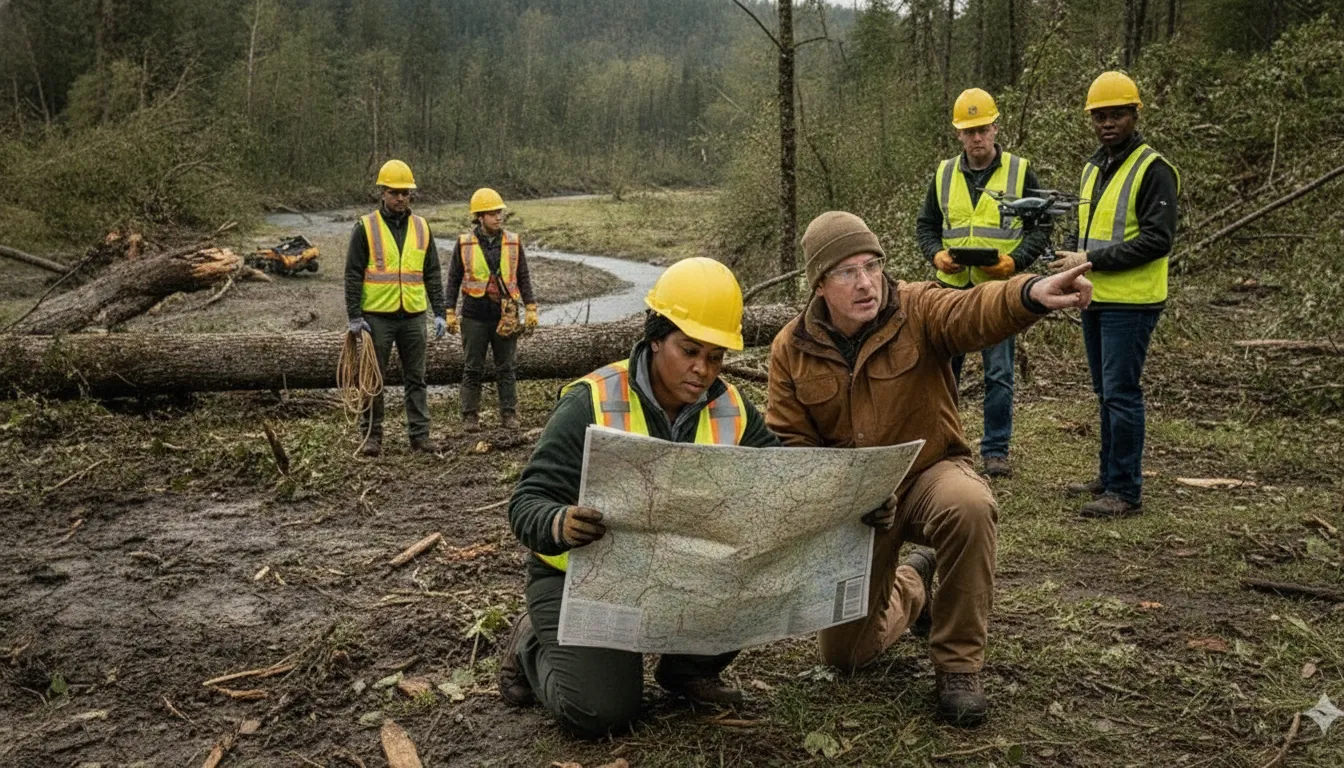
ATAK supports situational awareness by giving authorized users a shared, map-based view of an operation. Rather than relying only on separate voice updates, teams can work from common information about locations, symbols, routes, and changing conditions. This can make it easier to identify what has changed, where attention is needed, and how field activity relates to the wider mission.
A shared map for people, places, and events
Location sharing is central to the ATAK experience. Users may share positions with other participants, helping a team maintain awareness of personnel and movement. Map markers can identify points of interest, hazards, objectives, resources, or other operational details. Overlays can add geographic context that is important to a specific mission.
The benefit is not simply seeing a map. It is giving multiple people a consistent reference point for discussing conditions and coordinating activity. A responder can describe a location using the same visual context that a coordinator, supervisor, or partner team sees. That shared context can reduce ambiguity, provided the data is current and the users understand the symbology and operating procedures.
Communication, imagery, and route planning
Depending on the configuration, ATAK workflows can support messages, imagery, overlays, and route planning alongside map information. These capabilities help a team connect an observation with a possible action. For example, a team may use geographic information to discuss a route, identify a hazard area, or plan movement between operational points.
Capabilities are not identical across every deployment. A leader should confirm which tools are approved, which plugins are installed, what data sources are connected, and which users may publish or receive updates. This is an important planning step because a feature described in one TAK environment may not be available in another.
Connectivity and information quality still matter
ATAK does not remove the need for communications planning. A shared map is only as useful as the information entering it. Emergency operations can also involve damaged infrastructure, limited power, overloaded cellular networks, or gaps in coverage. Teams should define which information is essential, how updates are prioritized, and what fallback process applies when a connection is degraded.
Leaders should also decide how long information remains trusted, how stale markers are identified, and who is responsible for correcting errors. Training and exercises should include realistic data conditions, not only a clean demonstration environment. Resilient response depends on procedures and people as much as on the application.
Key takeaway: ATAK can support shared locations, map markers, overlays, messages, imagery, and route planning. Its effectiveness still depends on configuration, accurate information, trained users, compatible systems, and resilient communications.
What Is the TAK Ecosystem?
The Team Awareness Kit ecosystem is a family of related tools, variants, and deployments rather than one identical application for every organization. ATAK generally refers to the Android Team Awareness Kit. Other names describe platforms or operating contexts that may serve different devices, users, or mission requirements.
- ATAK: The Android-oriented tactical situational-awareness application and its associated workflows.
- ATAK-CIV or CivTAK: Labels used for civilian-oriented contexts. The name alone does not define the access rules, plugins, data, or governance of a specific deployment.
- TAK-MIL: A military-focused branch or deployment context with its own distribution, security, and operating requirements.
- iTAK: An iOS-related variant in the broader ecosystem.
- WinTAK: A Windows-related variant used in desktop or operational settings.
- WebTAK: A browser-based form of the ecosystem. Its capabilities and access rules depend on the implementation and organization operating it.
These names should not be treated as interchangeable. Device compatibility does not guarantee identical workflows, permissions, integrations, or data. An organization evaluating a TAK deployment should begin with the mission, users, information requirements, security model, and network environment. It should then confirm which variant and services support those requirements.
Interoperability is a central theme across the ecosystem. Cursor on Target, or CoT, provides a structured way for compatible systems to exchange situational-awareness information. CoT can support the movement of locations, icons, and related event details. But it does not eliminate the need for access control, network planning, data governance, or trained operators.
This distinction is also important for community response. A professional tactical team may need a controlled operational picture, while a CERT, NGO, or community organization may need tools for volunteer coordination, incident reporting, and public participation. PubSafe is designed for that broader coordination layer. It does not replace a tactical deployment. It can complement one by helping connect professional response with citizens and volunteer organizations.
Key takeaway: TAK is an ecosystem of related tools and deployments. Evaluate each option by device, audience, permissions, mission, and governance instead of assuming that every TAK label means the same product or capability.
How Does Cursor on Target Work?
Cursor on Target, commonly abbreviated as CoT, is a structured data-exchange protocol used in Team Awareness Kit workflows. It gives participating systems a consistent way to transmit and interpret situational-awareness information. That information can include a location, an icon, and related details about an object, person, or event.
For example, a field device may send an update about a team member, vehicle, point of interest, or hazard. A compatible recipient can then interpret that update in the context of a map and the rest of the shared operating picture. The value comes from exchanging structured operational data, not merely from adding another message to a busy channel. The official TAK.gov resource is the appropriate starting point for the ecosystem’s terminology and program information.
CoT is a protocol, not a guarantee of interoperability
Using CoT does not mean every emergency communication system connects automatically. Interoperability depends on the applications, gateways, network paths, permissions, configuration, and data practices involved. One system may restrict which users can publish updates. Another may need an integration layer before information can cross into a different environment.
Teams also need shared conventions for naming, symbology, access control, and sensitive information. Before connecting systems, leaders should define what information is allowed to cross the boundary. Who can approve it, how recipients will interpret it, and what happens when a connection fails. A protocol supports a workflow. It does not replace the workflow.
For professional and community response partners, this means planning the handoff carefully. A tactical team can maintain its specialized operational picture while a community-facing platform supports broader reporting and coordination. The PubSafe interoperability guide provides a useful starting point for thinking about how professional and volunteer tools should fit together.
Key takeaway: CoT gives compatible TAK-related systems a structured way to exchange operational details such as locations, icons, and event information. Effective interoperability still requires compatible systems, clear permissions, deliberate configuration, suitable connectivity, and governance.
Who Uses ATAK and When?
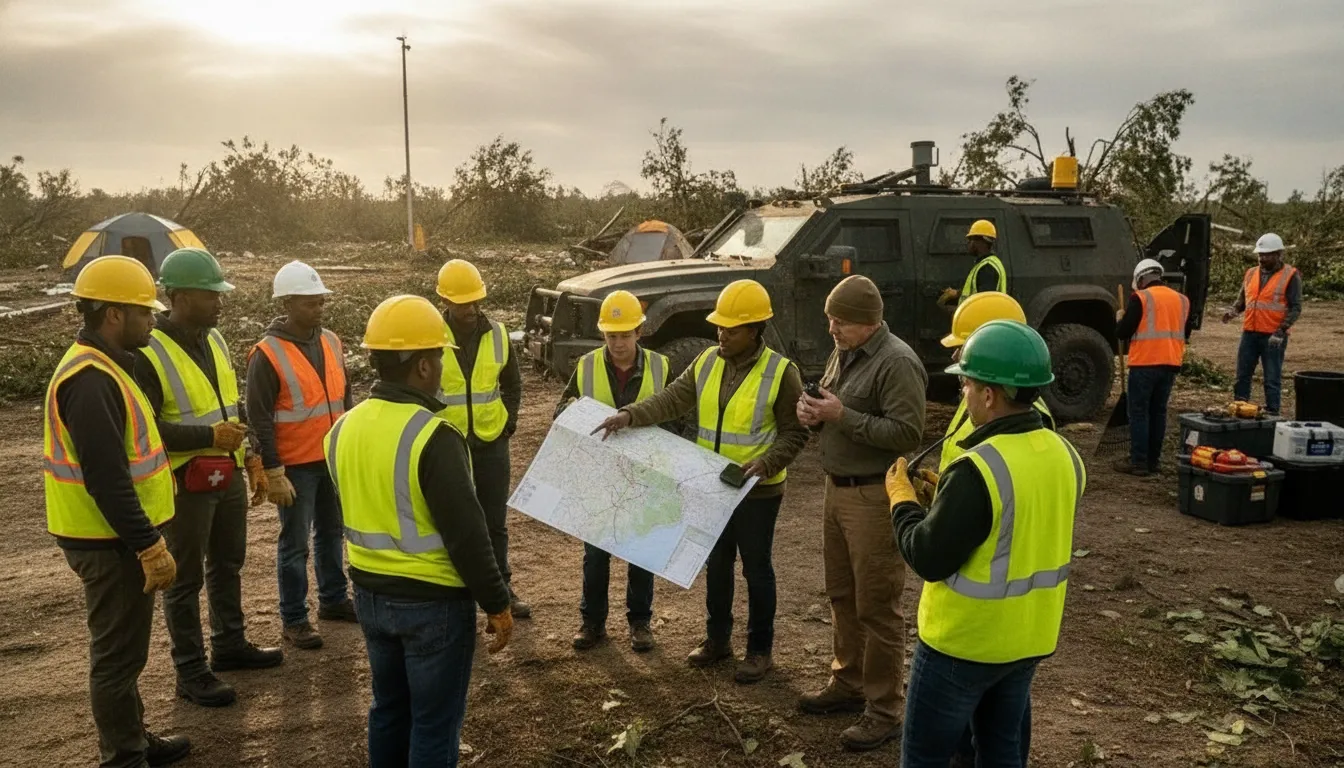
ATAK is designed for controlled professional environments where trained users need a shared view of people, assets, locations, and operational information. Military personnel and professional tactical first responders are the primary audience. Law-enforcement teams, firefighters, emergency-management personnel, and search-and-rescue teams may also use related TAK workflows when their organization has the appropriate technical environment and governance.
Professional and public-safety operations
A military or public-safety unit may use ATAK when a mission requires coordinated movement, map-based awareness, and controlled information exchange. The specific variant, network configuration, integrations, and approved data sources should be determined by the responsible agency or program. Not every user receives the same capabilities, and ATAK should not be treated as a plug-and-play replacement for an established command, dispatch, or records system.
Field conditions shape when the tool is useful. Emergency operations can involve limited power, damaged infrastructure, or insufficient cellular coverage. Operational leaders should define what information must be available in the field, who may see it, how updates are verified, and what happens when connectivity is degraded. Exercises should test those decisions before a major incident.
Governance matters as much as the application
Successful use requires more than installing software. Teams need onboarding, role-based permissions, device and network standards, security practices, and exercises that reflect real mission workflows. They also need a clear process for turning field observations into decisions and reports. For organizations evaluating situation report and field-reporting workflows, the key question is how information moves from the field into the broader incident-management process.
Professional users and community participants have different needs
ATAK’s professional focus does not make it the right coordination layer for every participant in an emergency. CERTs, NGOs, faith-based organizations, volunteers, and residents may need simpler tools for member management, incident reporting, alerts, and broad participation. That is where a community response platform can complement a tactical system without exposing untrained participants to workflows intended for professional teams.
Key takeaway: ATAK fits trained, permissioned professional operations. Its value depends on governance, operational fit, and resilient information-sharing plans. Community responders may need a separate coordination layer designed for broader participation.
How Can ATAK and PubSafe Work Together?
ATAK and PubSafe address different coordination problems. ATAK is a professional tactical situational-awareness tool for controlled operational environments. PubSafe is a community disaster response platform designed to support coordination among citizens, volunteers, NGOs, CERTs, and public-safety organizations.
| Dimension | ATAK | PubSafe |
|---|---|---|
| Audience | Military and professional tactical responders. | Citizens, volunteers, NGOs, CERTs, and public-safety organizations. |
| Primary function | Tactical situational awareness and operational information sharing. | Community emergency coordination, alerts, and response participation. |
| Operating context | Controlled professional or mission-focused environments. | Broad community use during preparedness and active disasters. |
| Coordination scope | Authorized users working within a tactical common operating picture. | Multi-organization, volunteer, and citizen-facing coordination. |
A response organization may need tactical teams to maintain a specialized operational picture while community partners report needs, organize volunteers, and communicate with residents. PubSafe can help bridge the gap between emergency alerts and real-world response through community-level coordination. Its role is complementary, not competitive: each system can serve the audience and information flow it was designed to support.
Leaders should define the boundary between the two layers. Decide which information is appropriate for professional teams and which information can be shared with volunteers or residents. Define who approves a handoff and how the organization will operate when a system or connection is unavailable. These decisions are more important than assuming that one application can serve every participant.
Organizations can explore PubSafe’s disaster response platform for community coordination use cases and mobile apps for CERT emergency response coordination for volunteer-focused workflows.
Key takeaway: ATAK and PubSafe can work as complementary layers. ATAK supports professional tactical awareness, while PubSafe can help coordinate the broader community, volunteer, and nonprofit response network.
How Should an Organization Evaluate ATAK?
Start with the mission rather than the feature list. A useful evaluation asks who needs access, what information they must share, which decisions the system should support, and what happens when connectivity is limited.
- Define the users: Identify professional responders, command staff, volunteers, nonprofit partners, and residents who need information or a way to contribute.
- Define the information: Separate sensitive operational data from information suitable for broader community coordination.
- Map the workflow: Document how observations become alerts, assignments, decisions, situation reports, and follow-up actions.
- Confirm the deployment: Verify the appropriate TAK variant, plugins, integrations, permissions, devices, and network paths.
- Plan for degraded conditions: Test what happens when power, coverage, bandwidth, devices, or a connected service is unavailable.
- Measure operational fit: Exercise the workflow with the people who will use it, then correct training, governance, or data-quality gaps.
This approach prevents a common mistake: choosing a tactical tool for users who need a community platform. Or choosing a broad alerting tool for a team that needs controlled operational awareness. The strongest response architecture is often layered, with clear boundaries and deliberate handoffs.
Frequently Asked Questions
What is ATAK used for?
ATAK is used primarily for professional tactical situational awareness. Authorized users may share locations, map markers, overlays, messages, imagery, routes, and other operational information, depending on the deployment. It is not a universal replacement for command, dispatch, public alerting, or community coordination systems.
What is the difference between ATAK and the TAK ecosystem?
ATAK refers specifically to the Android Team Awareness Kit. The TAK ecosystem includes related variants and deployments such as ATAK-CIV or CivTAK, TAK-MIL, iTAK, WinTAK, and WebTAK. Their capabilities, permissions, integrations, and governance may differ, so organizations should evaluate the exact deployment rather than rely on the label alone.
What is Cursor on Target, or CoT?
Cursor on Target is a structured protocol used in TAK workflows to exchange situational-awareness information such as locations, icons, and related event details. CoT can support interoperability between compatible systems, but it does not automatically connect every emergency platform. Configuration, gateways, permissions, network paths, and data governance still matter.
Can ATAK support community emergency coordination?
ATAK is primarily designed for controlled professional and tactical environments. A community response may also require accessible tools for citizens, volunteers, NGOs, CERTs, and residents. In that situation, ATAK can complement a community-facing platform such as PubSafe. Each layer can serve its intended audience and workflow.
Connect Community Coordination With Professional Response
ATAK can help trained responders maintain a shared tactical picture. PubSafe can support the broader network of citizens, volunteers, NGOs, CERTs, and public-safety organizations that contribute to community resilience. Understanding the difference helps leaders design a response system with clearer roles, safer information sharing, and more practical participation.
Contact PubSafe to discuss community disaster response coordination and complementary workflows.


